
Video Reports & Incidents
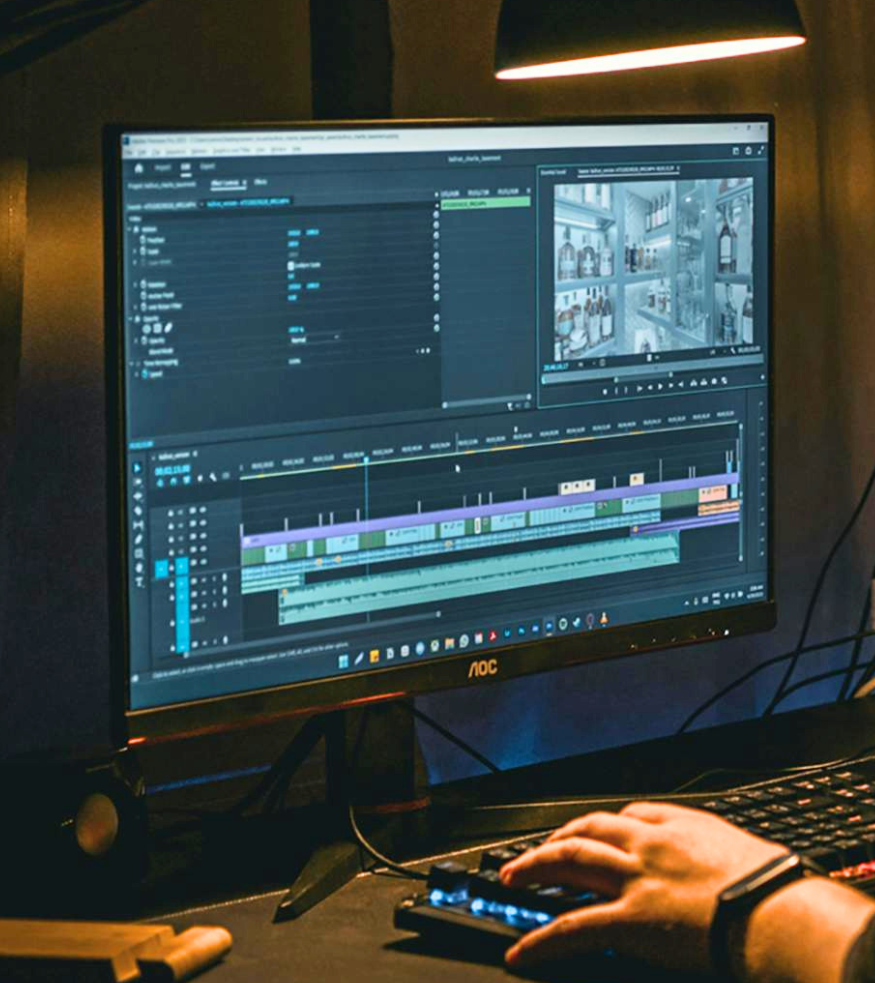
When Clear Watch detects and responds to an incident, the work doesn't stop there. Every event is logged, clipped, and packaged into a clean report — so your clients have everything they need, and so do you.
A Full Record of What Happened — Organized and Accessible the Moment It Happens
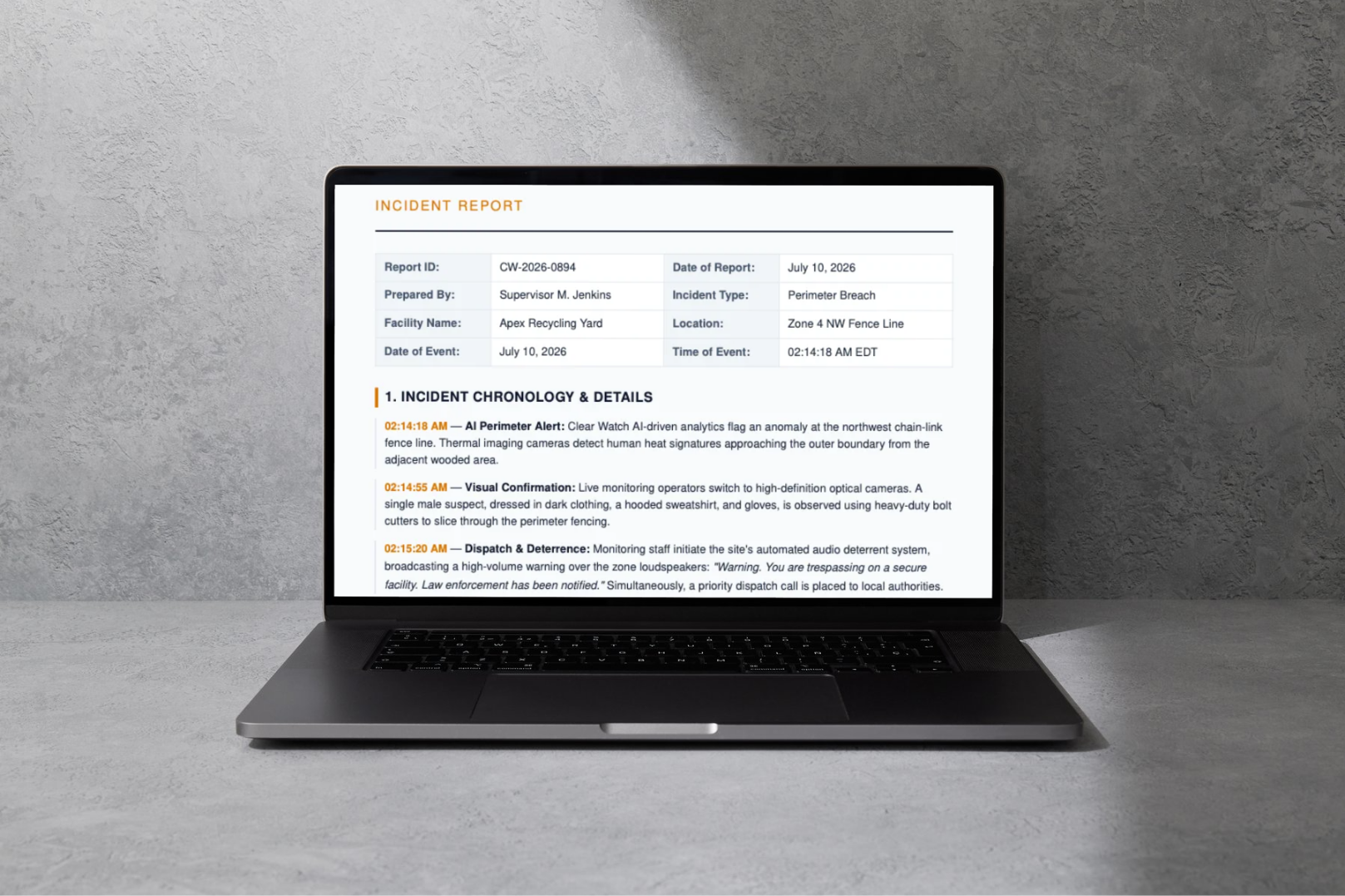
Every time Clear Watch operators detect and respond to an incident, the event is automatically logged with a timestamped video clip, operator notes, and a record of actions taken — including any law enforcement contact. That documentation is organized into a report your clients can access directly, and that you can pull up for any account at any time.
No hunting through raw footage. No missing context. Just a clean, organized record of what happened, when it happened, and what was done about it.
Everything You Need After an Event
Every incident report is built to be useful — for your clients, for law enforcement, and for your team.
Timestamped Video Clips
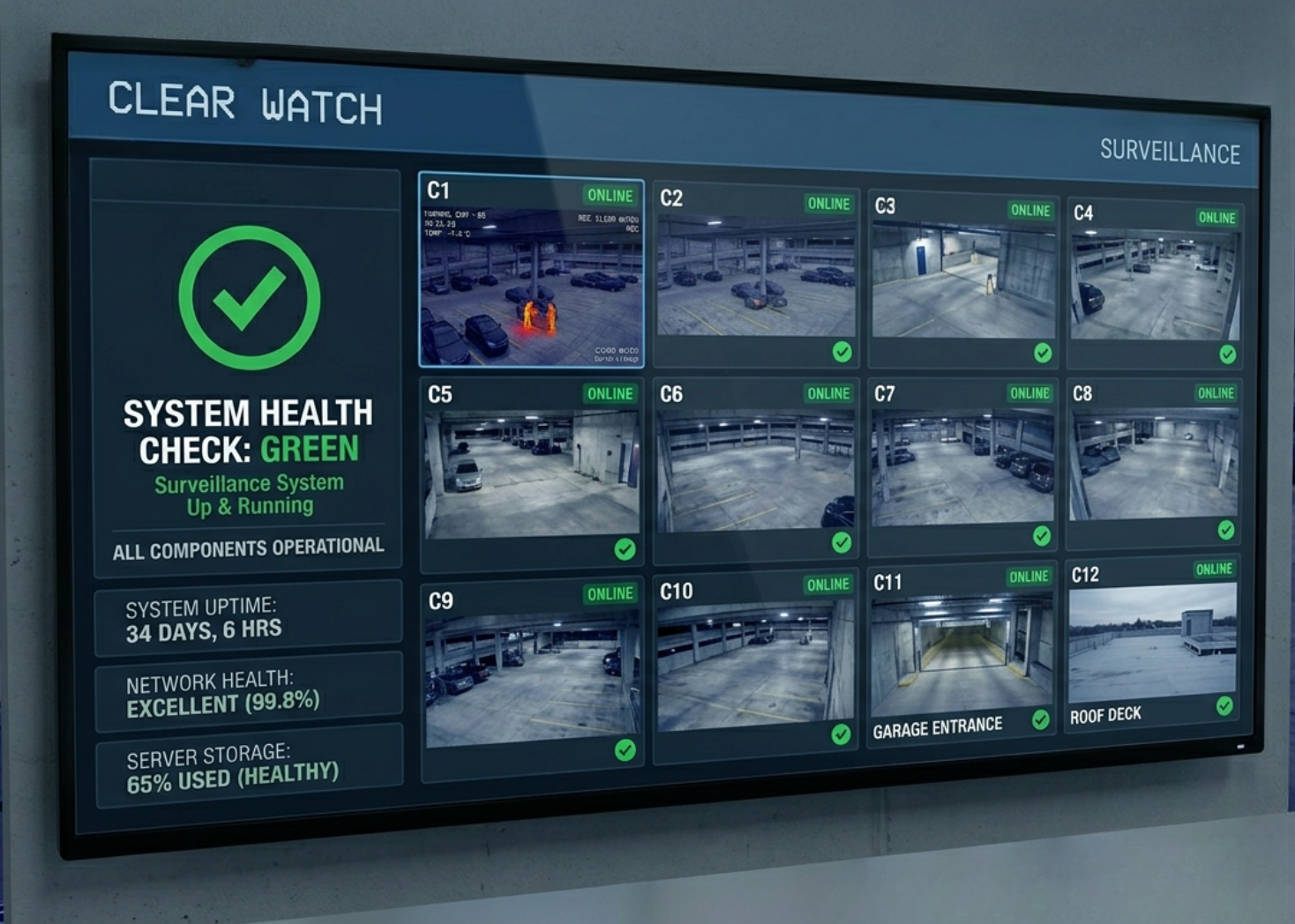
The relevant footage from each incident is clipped and attached to the report — no scrubbing through hours of footage to find what happened.
Full Event Timeline
Every action — detection, operator response, audio deterrent, dispatch — is logged with an exact timestamp so the full sequence of events is clear.
Operator Notes & Actions Taken
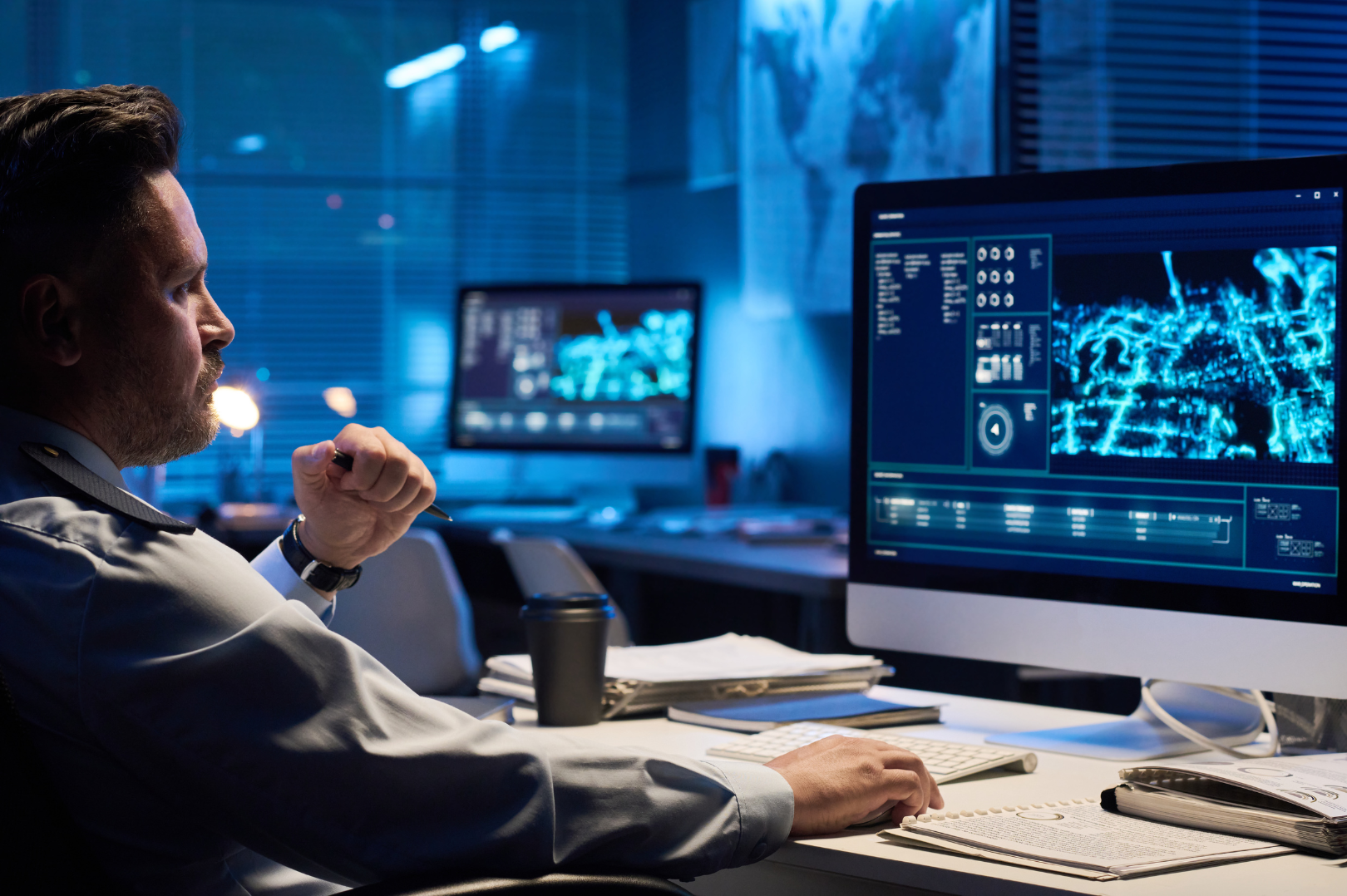
Each report includes a log of what the Clear Watch operator observed, what deterrence actions were taken, and whether law enforcement was contacted.
Full Incident History by Site
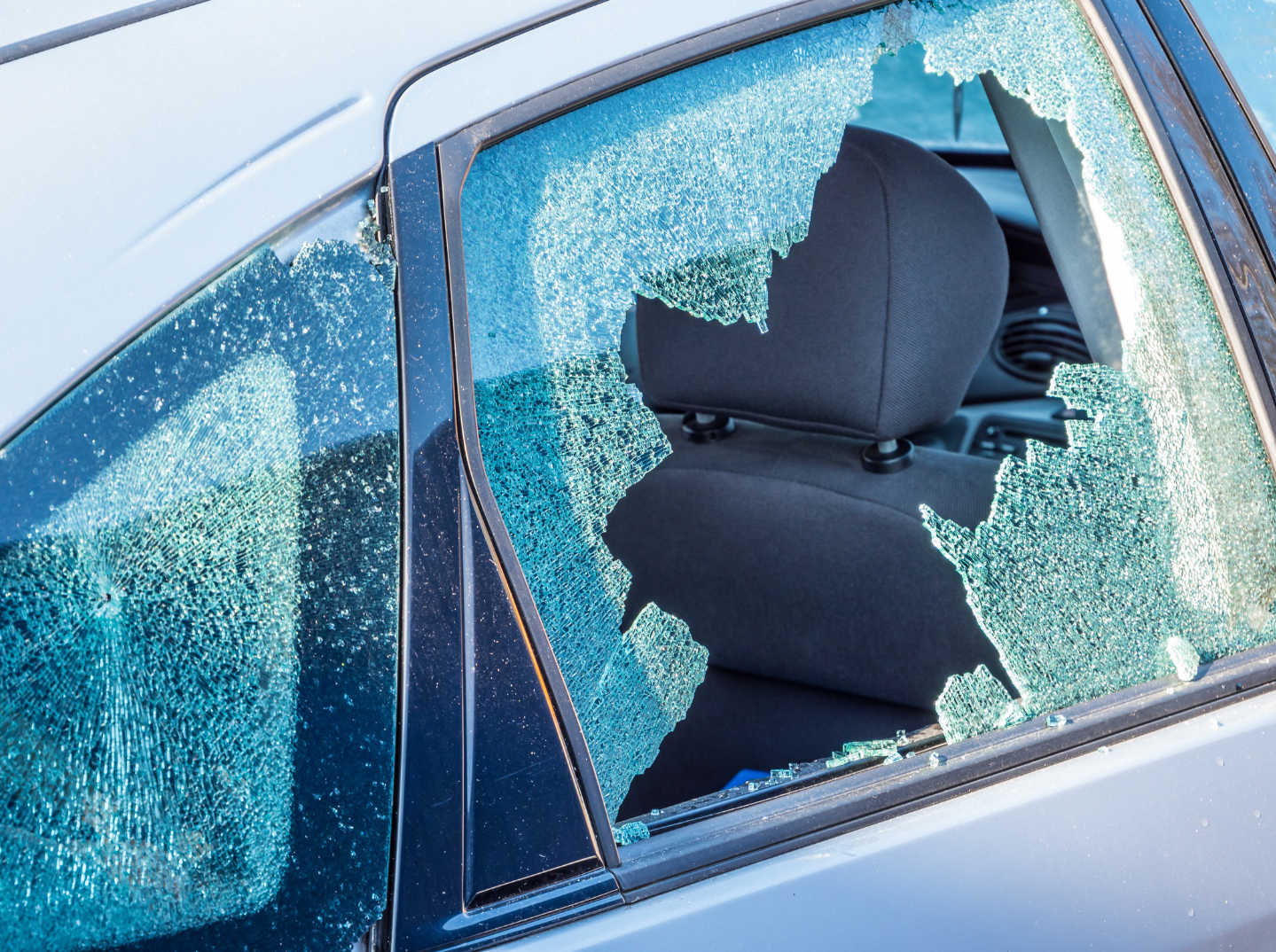
All incidents are organized by account and site — giving dealers and clients a running history of events at any location over time.

Law Enforcement-Ready Documentation
Reports are formatted and packaged to support police reports, insurance claims, and any follow-up investigation your clients need to pursue.

Client Notification
Clients are notified when an incident report is available — so they're never left wondering what happened overnight or over the weekend.

Give Your Clients More Than Monitoring — Give Them a Record
GET STARTED
Contact us to learn more about how Clear Watch documents and delivers incident reports for your accounts.