

Privacy Applications
Powerful Where You Need It. Blind Where You Don’t.
Clear Watch Privacy Applications automatically mask sensitive areas, protect bystanders, and keep your video monitoring compliant — because the strongest security program is one your lawyers, your tenants, and your neighbors can all live with.
The Problem
Video security has a blind spot, and it isn’t in the camera’s field of view — it’s in what the camera is allowed to see. A perimeter camera that captures your neighbor’s backyard. A lobby camera that watches the medical office next door. A warehouse camera aimed across a break room. A monitoring operator with an unrestricted view of areas no outsider should ever watch.
Most video monitoring providers have no answer to any of this. Not one of the major competitors even markets a privacy capability. They leave you to discover the problem the hard way — a tenant complaint, a union grievance, a regulator’s letter, or a lawsuit that turns your security investment into a liability.

Why Privacy Applications From Clear Watch Are Different
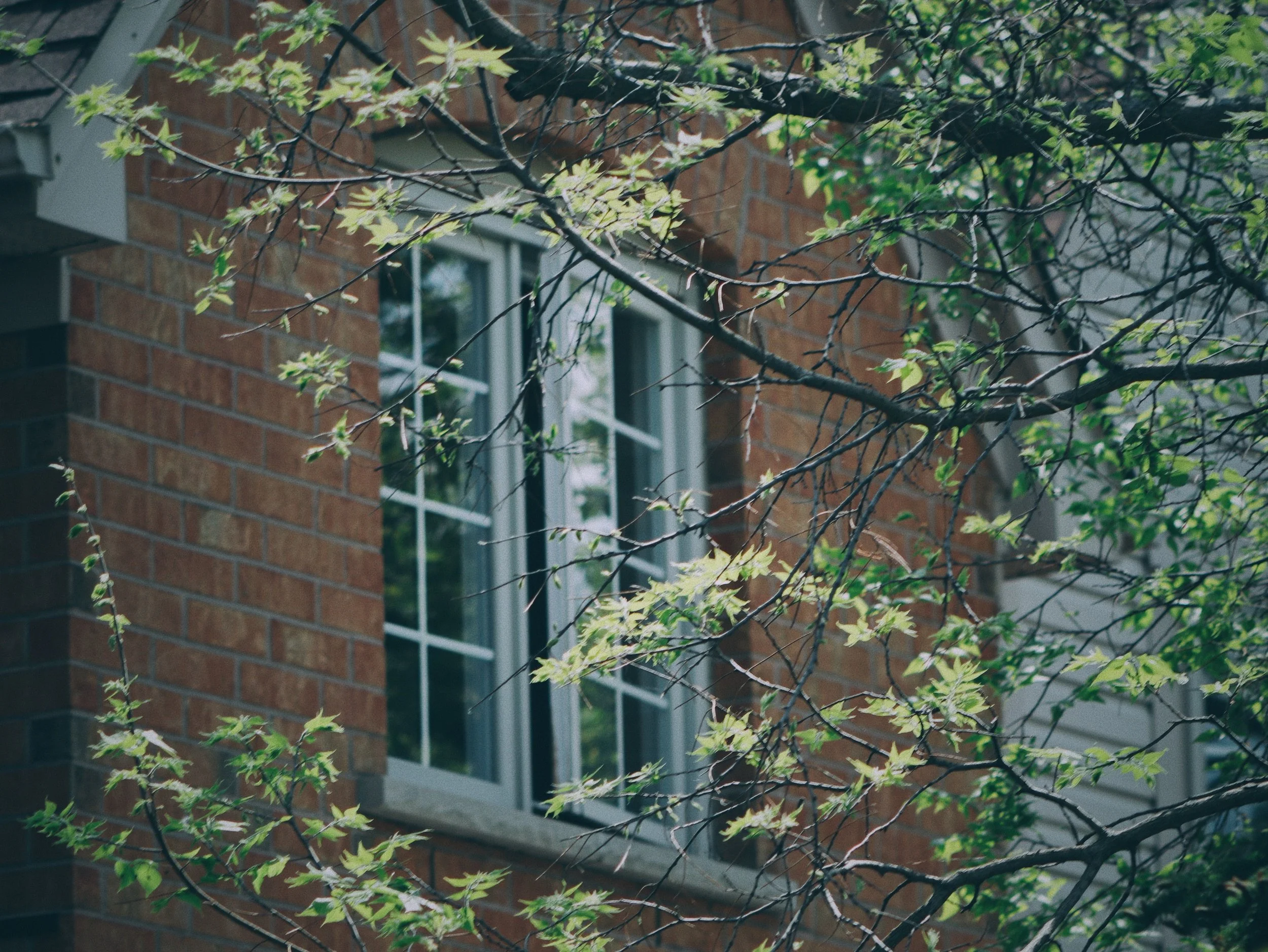
Masking is automatic, not honor-system.
Clear Watch privacy masking is applied by the platform itself. Defined zones — a neighboring property, a residential window, a sensitive interior area — are masked in the video before anyone views it. It is not a policy asking operators to look away; it is a system that makes the protected area invisible.
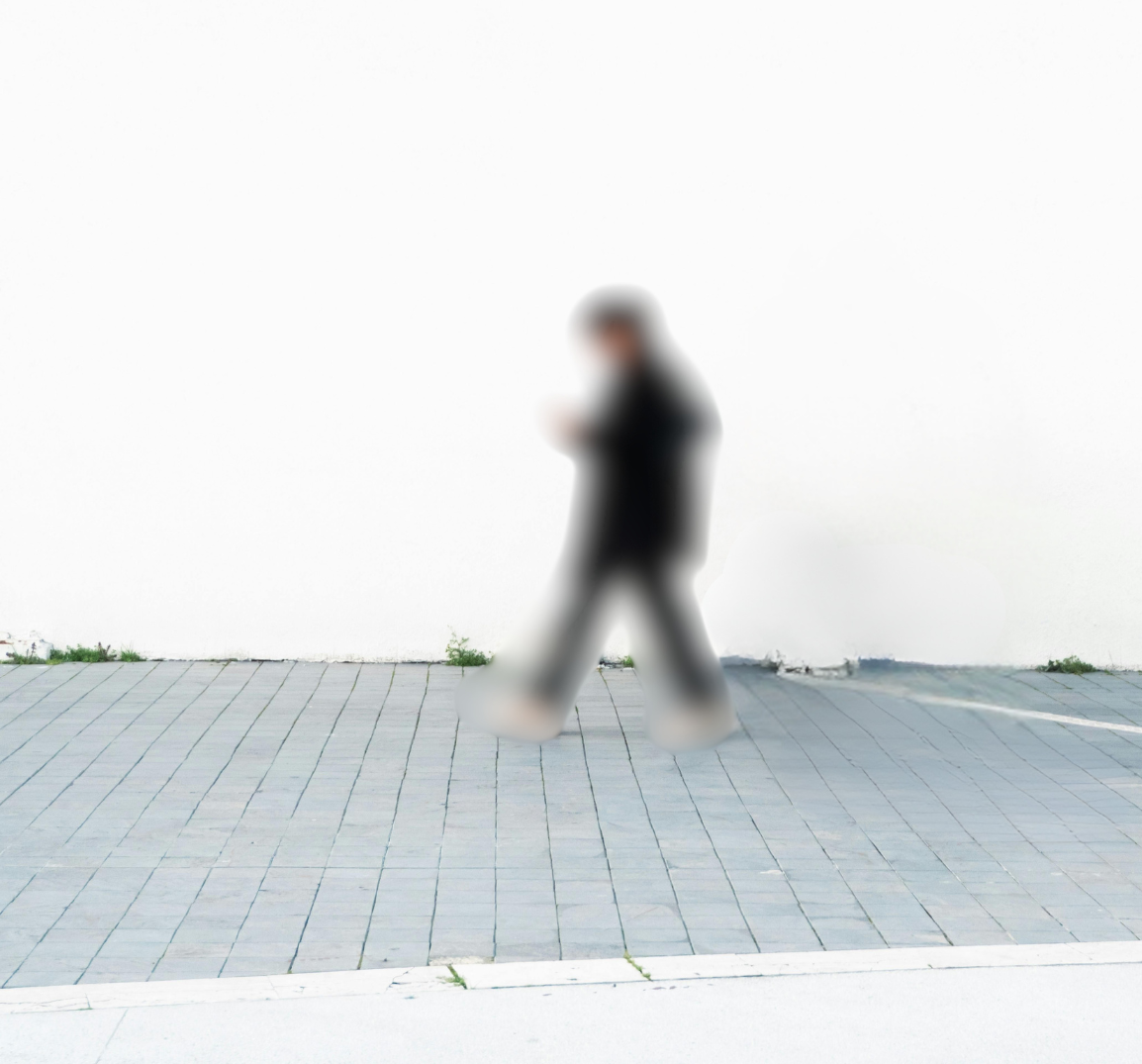
Privacy that doesn’t weaken security.
Masking is precise to the zone, not the camera. The same camera that ignores your neighbor’s yard still watches your fence line with full AI detection. You don’t trade coverage for compliance — you get both from one design.

Privacy first, not an afterthought.
Privacy zones are configured from the start — camera angles, mask zones, and monitoring protocols are documented before your system goes live. Compliance is a deliverable, not an afterthought.

Built for the rules you actually face.
Multifamily properties with resident privacy expectations. Healthcare campuses. Workplaces with employee-monitoring rules and union agreements. Sites bordering homes. Jurisdictions with recording-consent and surveillance-notification laws. Clear Watch documents what is masked, where, and why — evidence of good faith that protects you if monitoring is ever challenged.
Where Privacy Applications Matter Most
Protect Residents Without Watching Them.
Secure entrances, parking, and common areas while automatically masking unit windows, patios, and pool areas — so residents feel protected, not monitored.

Perimeter Security That Stays on Your Side of the Fence.
Mask neighboring yards and windows so your perimeter monitoring never spills onto adjacent properties — keeping your security in place and neighbor disputes out of the picture.
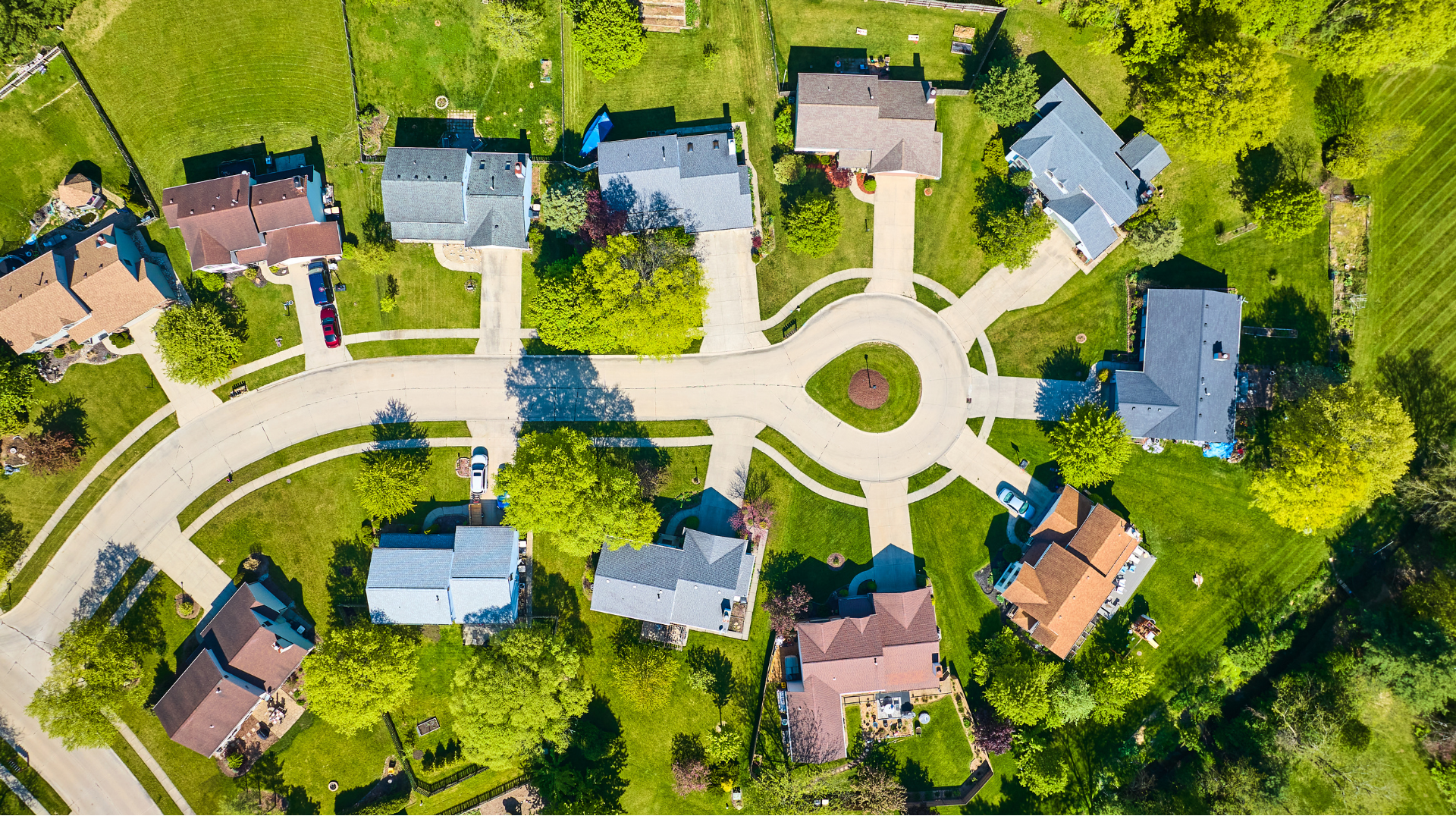
Secure the Facility. Keep Patient Areas Off-Limits.
Monitor entrances, parking lots, and facility perimeters with full security coverage while automatically keeping patient rooms, treatment areas, and sensitive zones completely private.
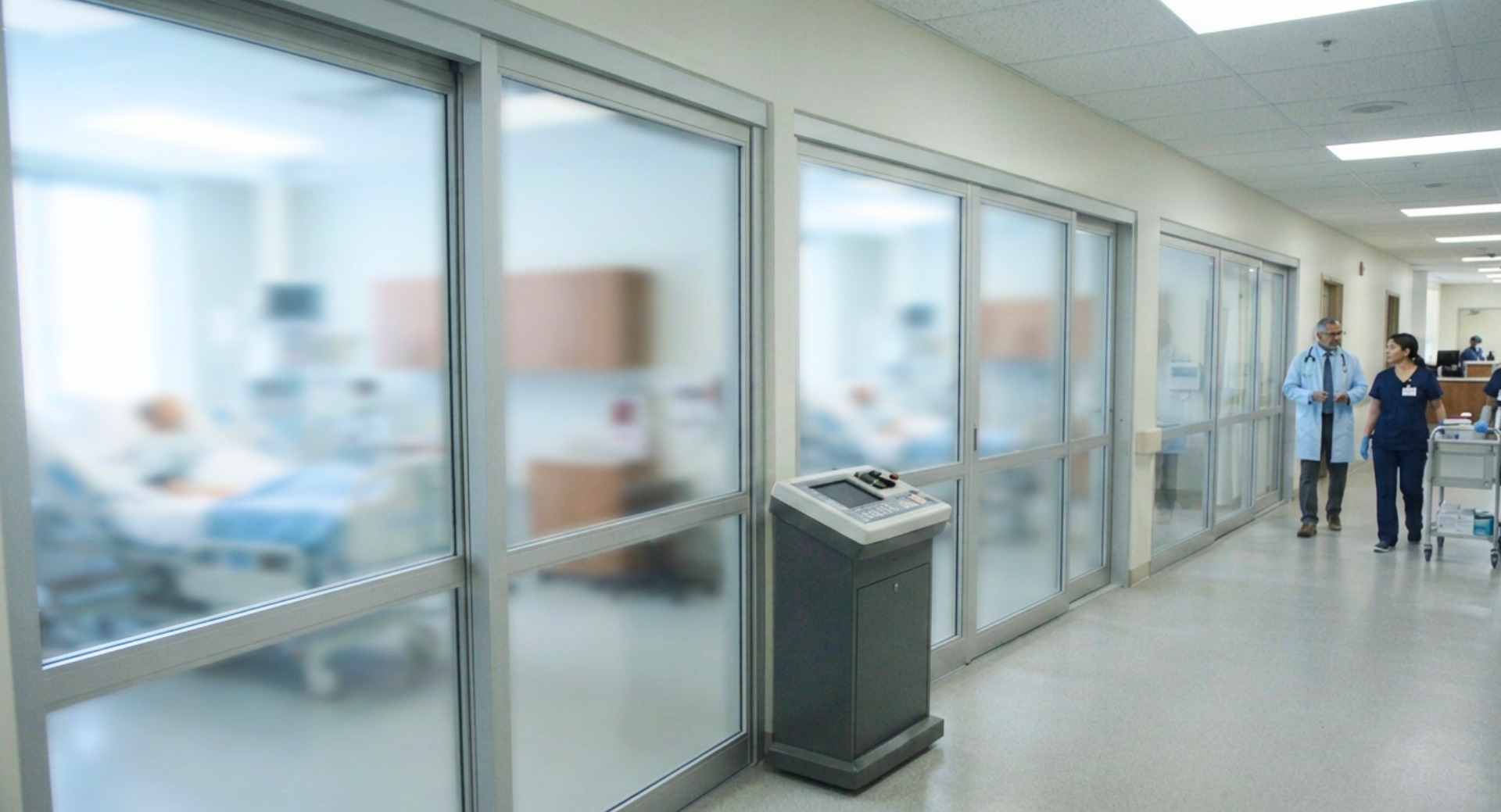
Security and Safety Without Overstepping.
Monitor for security threats and safety compliance while automatically respecting break rooms, restroom areas, and any spaces where employee privacy rules apply.

Watch Your Space. Not Your Co-Tenants'.
In shared buildings and mixed-use properties, privacy masking keeps your monitoring contained to your leased space — so you get full coverage without encroaching on neighboring tenants.

Feature Highlights
Automatic masking of defined privacy zones, applied in-platform
Zone-precise: full AI detection everywhere else in the same camera view
Privacy zones engineered during system design and documented for compliance
Masking documentation available as evidence of compliant monitoring practice
Supports resident, tenant, employee, and neighbor privacy requirements
One platform: privacy controls live alongside monitoring, analytics, and dispatch — not in a separate vendor’s tool

FAQs
-
No. Masks apply only to the defined zone. The rest of the camera’s view — and every other camera — runs full detection and monitoring.
-
Requirements vary by state, industry, and property type — recording-consent laws, employee-monitoring rules, and tenant privacy expectations all differ. Clear Watch documents your configuration so you can demonstrate deliberate, compliant practice. This is general information, not legal advice; consult your counsel for your specific obligations.
-
Most monitoring companies license third-party video platforms and can’t control this layer. Clear Watch builds its own platform, so privacy is a first-class feature — not a missing one.

Protection Without Invasion
GET STARTED
Ask us to review your current camera coverage for privacy exposure — most sites have at least one camera seeing something it shouldn’t.