
Vehicle Zone Presence
Set the zone. Set the dwell time. The camera reports occupancy — and alerts the moment a vehicle stops where it shouldn't, or a bay sits empty when it shouldn't.
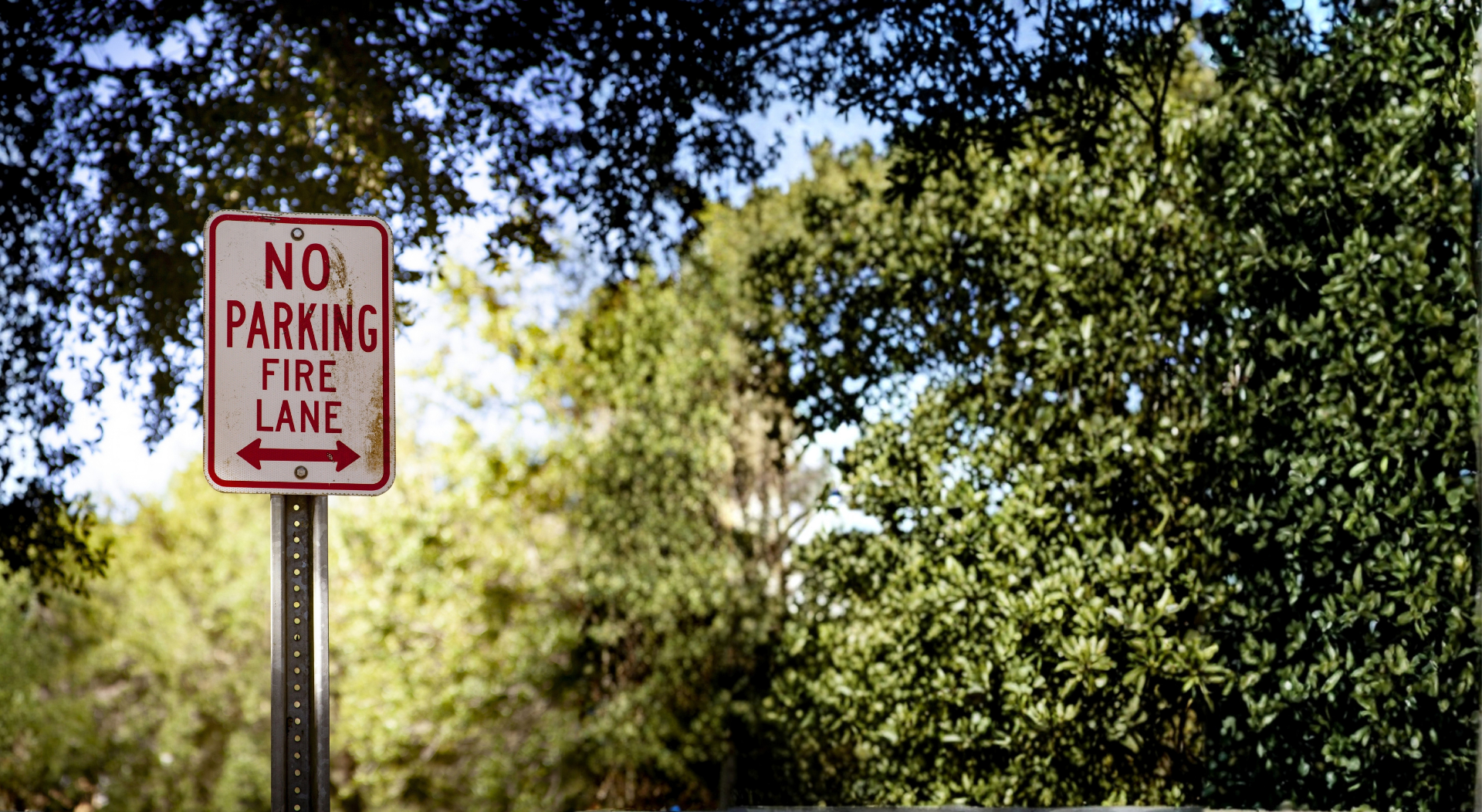
Some zones must stay clear. Some must not sit empty. Clear Watch Vehicle Zone Presence watches both — and tells you the moment a dock, fire lane, or reserved spot changes state.
Vehicle Zone Presence monitors the status of zones you define based on whether a vehicle occupies them. You set the occupancy conditions — a stationary vehicle, a moving one, or either — and the system determines whether the zone meets them, turning a camera view into a live status board: dock 4 occupied, fire lane clear, reserved spot 12 taken. It works for the zones where presence itself is the event, whether the problem is a vehicle that shouldn't be there or a bay that's been empty too long.
The dwell time before a zone is treated as occupied is configurable, so a vehicle passing through doesn't change the reported state — only one that actually stops and stays does. That distinction is what makes the alerts trustworthy: the car cutting across the fire lane is ignored, the car parked in it is flagged. Each zone carries its own conditions, so loading bays, gate approaches, fire lanes, and individual parking spaces all run their own rules from the same cameras.
What It Does
Who Uses It
Logistics Yards & Distribution Centers
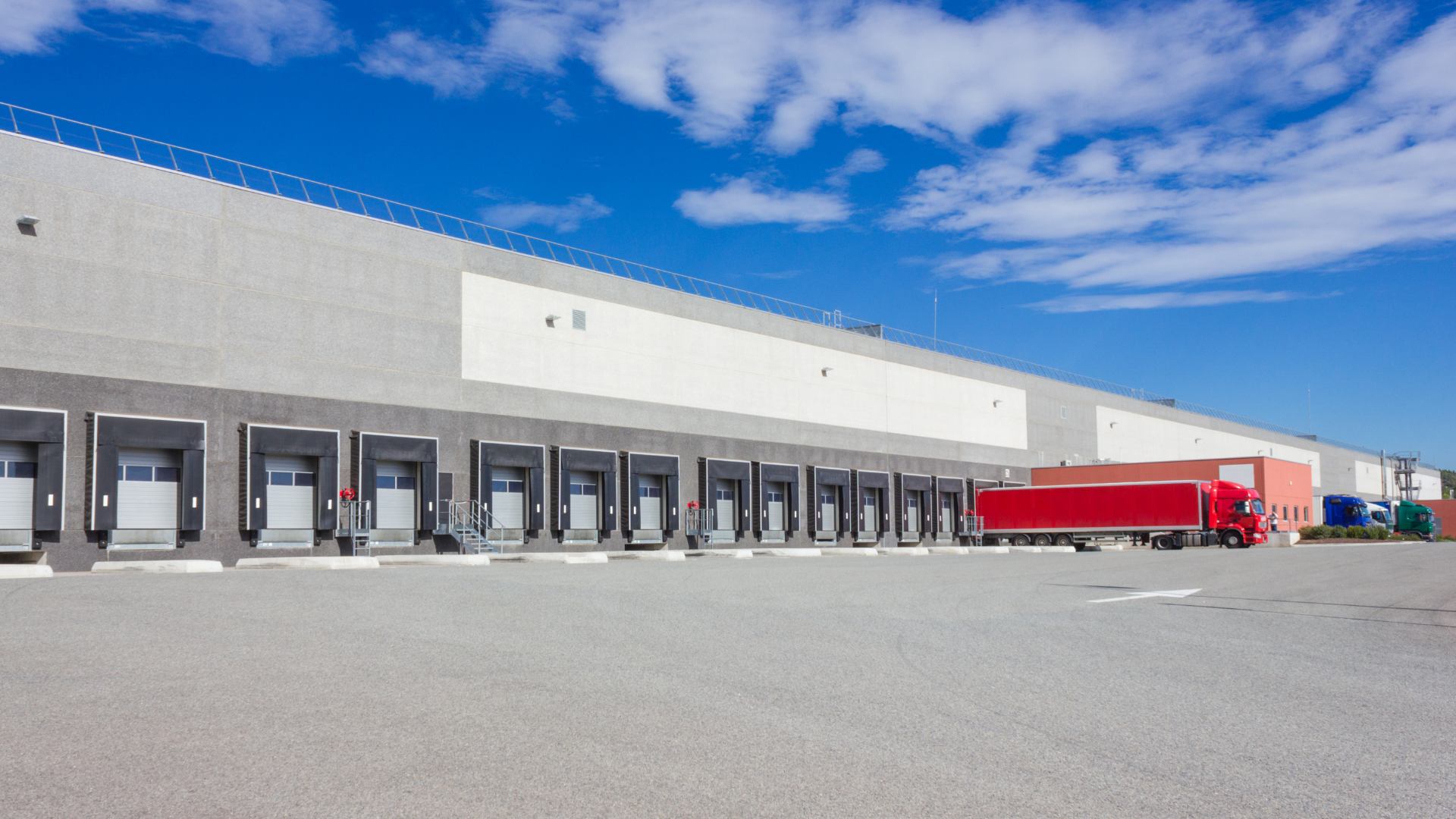
Live dock-door status without a yard walk: see which bays are occupied and which trailers have sat past their window, and keep gate approaches from becoming impromptu parking.
- Live bay occupancy visible without sending someone to walk the yard
- Trailers past their dwell window flagged automatically for yard management action
- Gate approach zones monitored to keep freight lanes clear for active traffic
Commercial Property & Facilities Managers
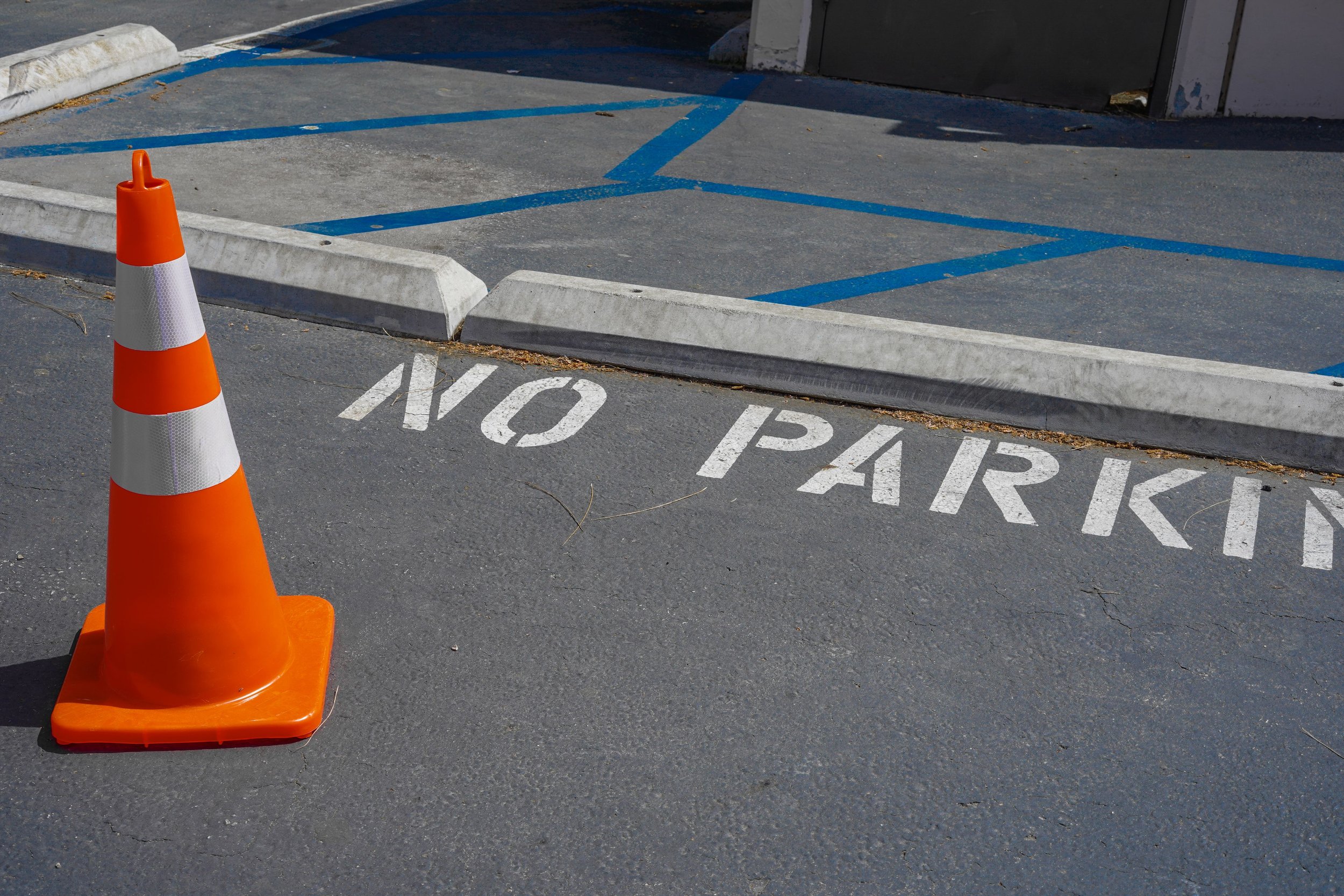
Fire lanes blocked by parked cars are a code violation and a liability. Presence alerts flag the parked vehicle within your dwell threshold — with video to back up towing or citation.
- Fire lane violations flagged within your configured dwell time — not discovered on a walkthrough
- Video clip attached to every alert — ready for towing authorization or citation documentation
- Loading zones and restricted areas monitored without dedicated staff on site

Parking Operators
Monitor reserved, ADA, and EV-charging spaces for vehicles that don't belong, and confirm premium spots are delivering the availability customers paid for.
- Reserved and ADA spaces monitored for unauthorized vehicles within a configured dwell time
- EV-charging spots flagged when a non-charging vehicle occupies the space past the threshold
- Premium space availability confirmed — so the product you sell is the product customers get

Healthcare Facilities & Campuses
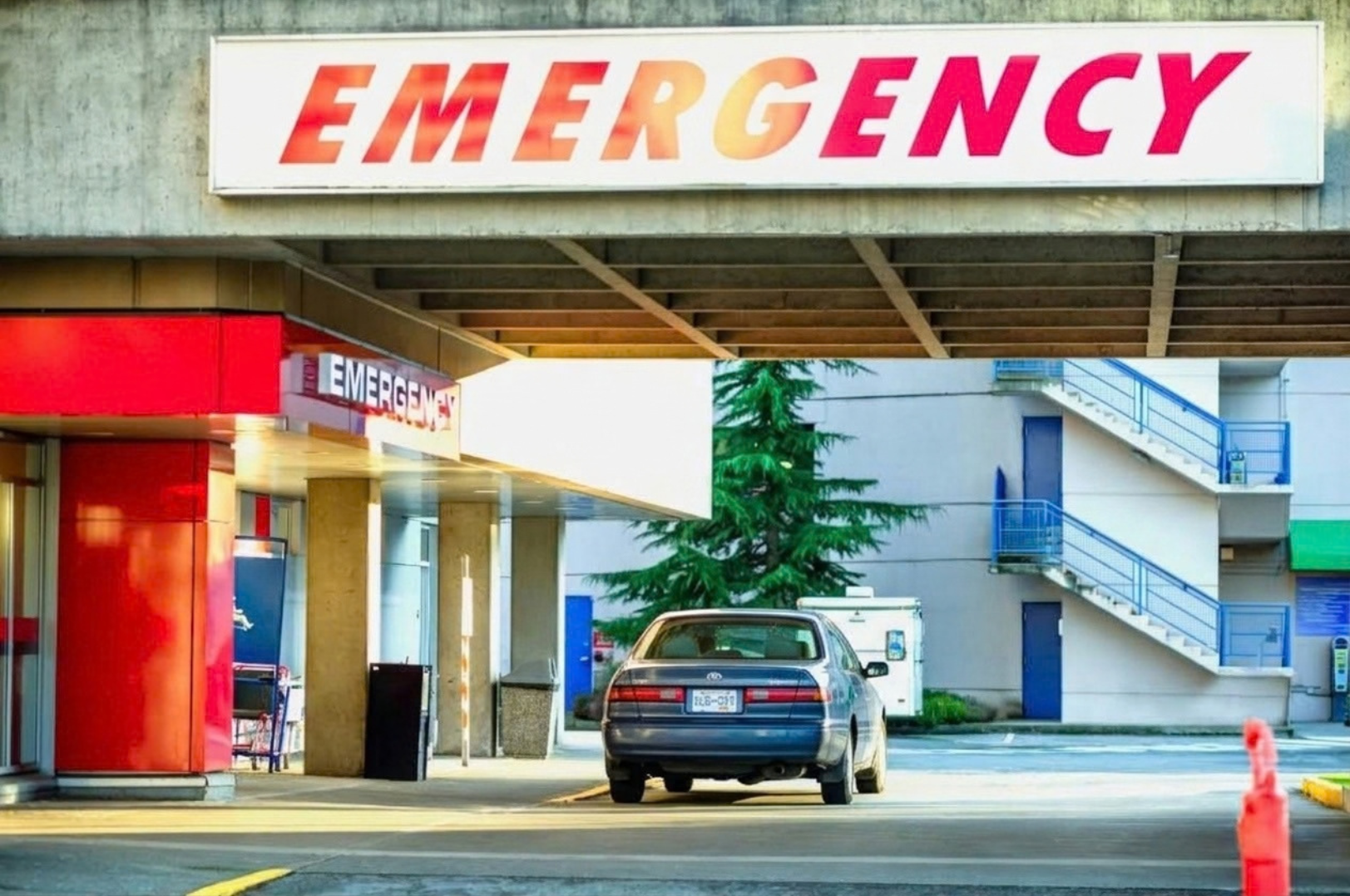
Ambulance bays, emergency lanes, and patient loading zones must stay clear. A vehicle that stops and stays raises an alert while drop-off traffic passes through unflagged.
- Ambulance bays and emergency lanes monitored continuously — not on a guard's patrol schedule
- Dwell threshold separates patient drop-off from unauthorized parking automatically
- Alert includes live video so staff can assess and respond without leaving the building

Auto Dealerships
Know when a vehicle parks in the service drive after hours or occupies delivery staging when a transport truck is inbound — and when a stationary vehicle lingers where inventory sits.
- After-hours vehicles in service drives and staging areas flagged by dwell time
- Delivery zones cleared automatically before inbound transport trucks arrive
- Stationary vehicles near inventory monitored and flagged when presence exceeds the threshold

How It Works
For safety-critical zones — fire lanes, emergency access, after-hours gate approaches — presence events stream to Clear Watch's 24/7 monitoring operators, who assess the live video, issue a live audio voice-down asking the driver to move, and escalate to your staff or enforcement when the vehicle stays put. For operational zones like docks and reserved spaces, the same events flow to your team as live status and history — same cameras, security after hours and intelligence during the day.

FAQs
-
No. The dwell time before a zone is treated as occupied is configurable, so vehicles passing through don't change the reported state — only a vehicle that stops and stays does.
-
Yes. Occupancy conditions such as moving or stationary vehicles can be defined per zone, so a fire lane can flag parked cars specifically while ignoring passing traffic.
-
Yes. Each zone is defined with its own occupancy conditions and dwell settings, so a single view can cover a loading bay, an adjacent fire lane, and reserved spaces — each with its own rule.
Live Zone Status — Without Sending Someone to Check
GET STARTED
For safety-critical zones, presence events stream to Clear Watch's 24/7 monitoring operators, who assess the live video, issue a voice-down asking the driver to move, and escalate to enforcement when the vehicle stays put. For operational zones like docks and reserved spaces, the same events flow to your team as live status and history — security after hours, intelligence during the day.