
Zone Counting
Zone Counting
Real-time headcount for any area you define — flagging capacity limits, staffing minimums, and restricted-area presence.
How many people are in that area right now? Zone Counting answers continuously — and raises an event the moment the number crosses a line you've set.
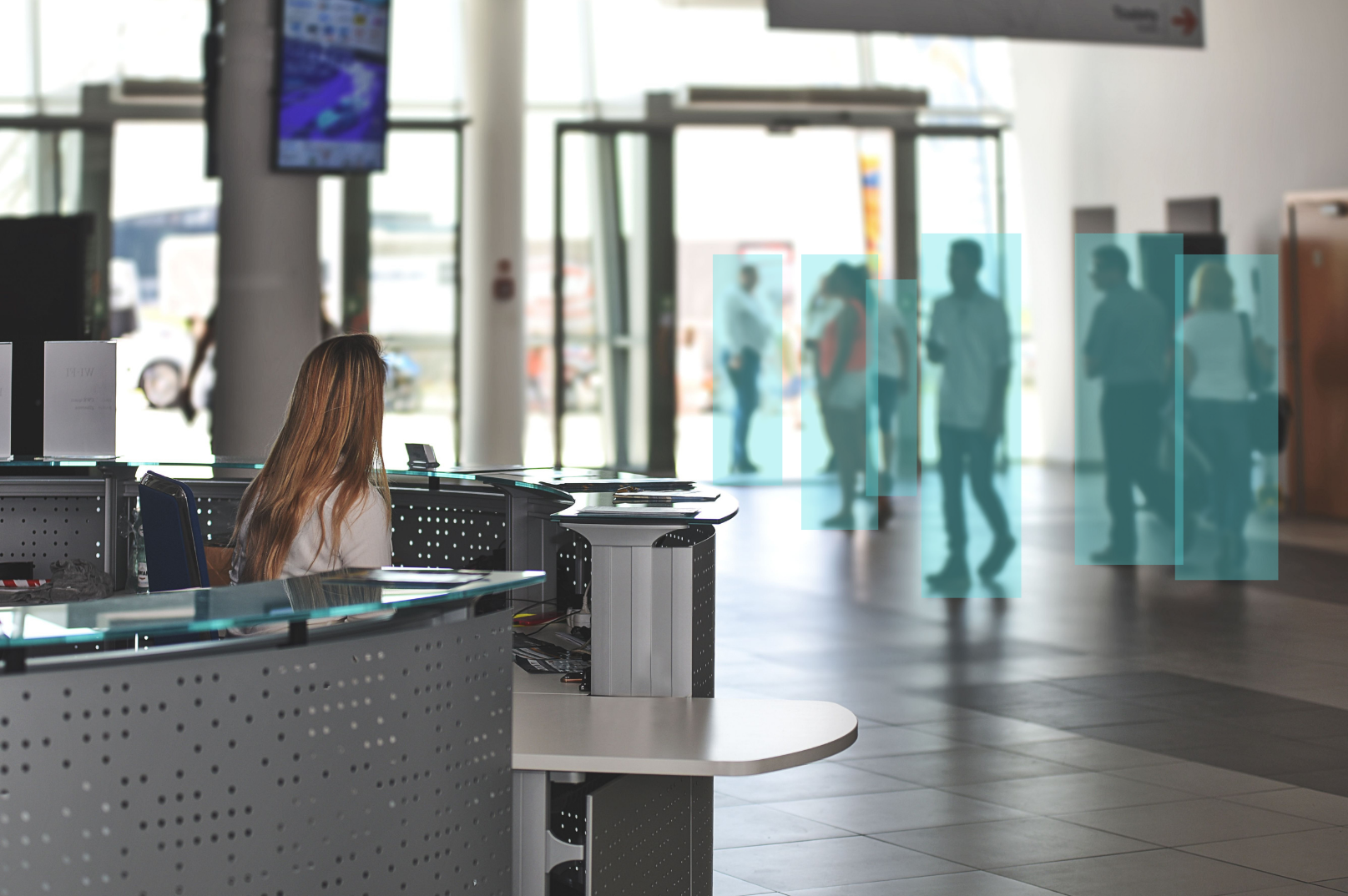
Zone Counting lets you draw a zone within a camera view and know its real-time occupancy at all times. The count is reported continuously — not just when something happens — so dashboards, managers, and downstream systems always have the current headcount for a waiting area, a sales floor section, a platform edge, or a restricted room.
On top of the live count, events fire according to the number of people in the zone. That single mechanism covers three very different operational rules: a maximum (capacity limit reached in the fitting-room lobby), a presence rule (anyone at all inside a restricted area), or a minimum (fewer than two staff on the sales floor). You define the zone and the threshold; the system watches the number.
What It Does
Who Uses It
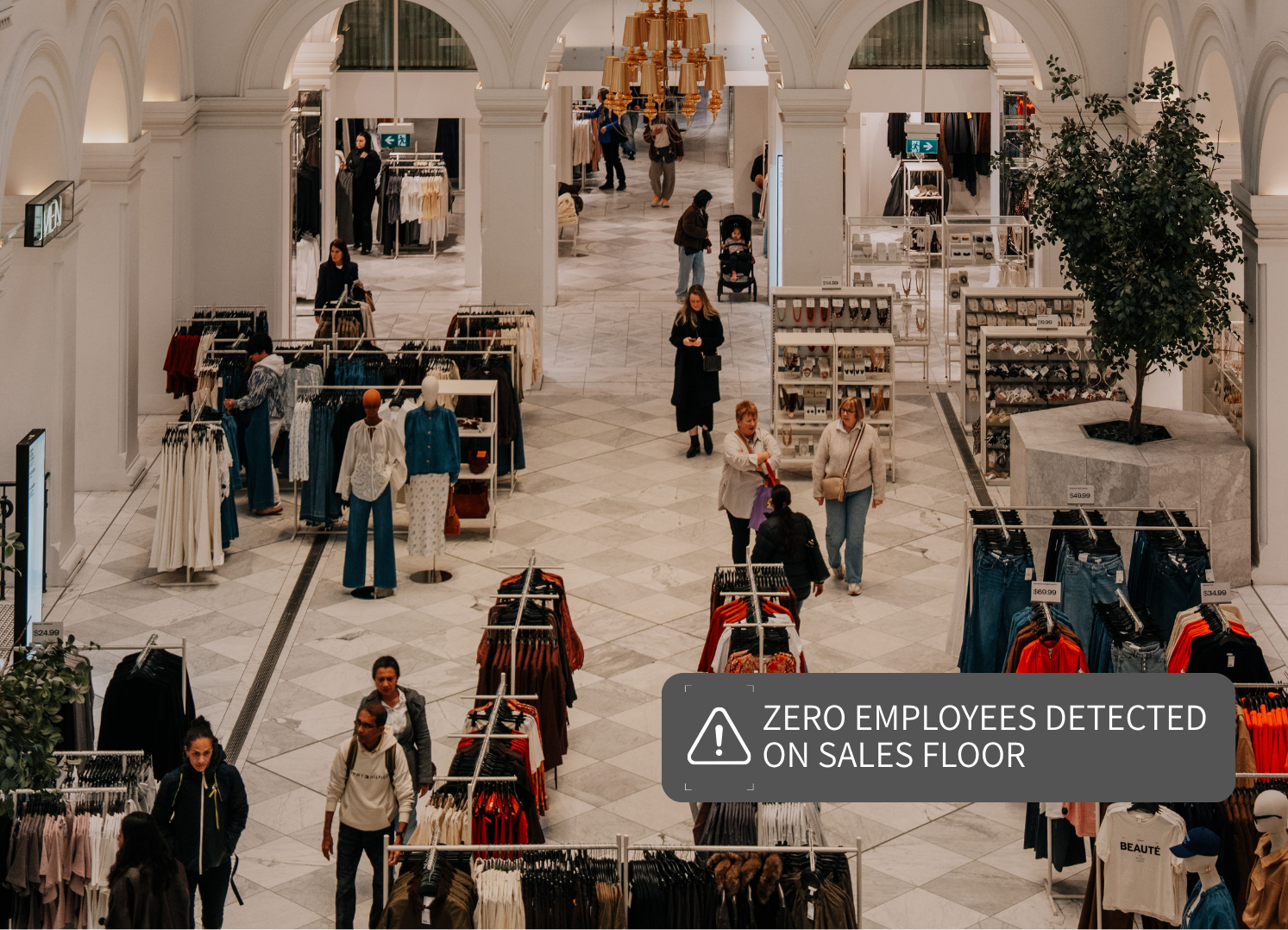
Know When the Jewelry Counter Has No One Watching It — and When It Has Too Many Shoppers.
Zone Counting enforces minimum-staffing rules by zone — an event fires the moment the electronics cage or jewelry counter has zero employees present. The same system flags when a department is drawing more shoppers than the floor plan expected.
- Minimum-staffing events when high-value zones go unattended
- Live headcount by department or floor section
- Alerts when shopper density exceeds planned capacity

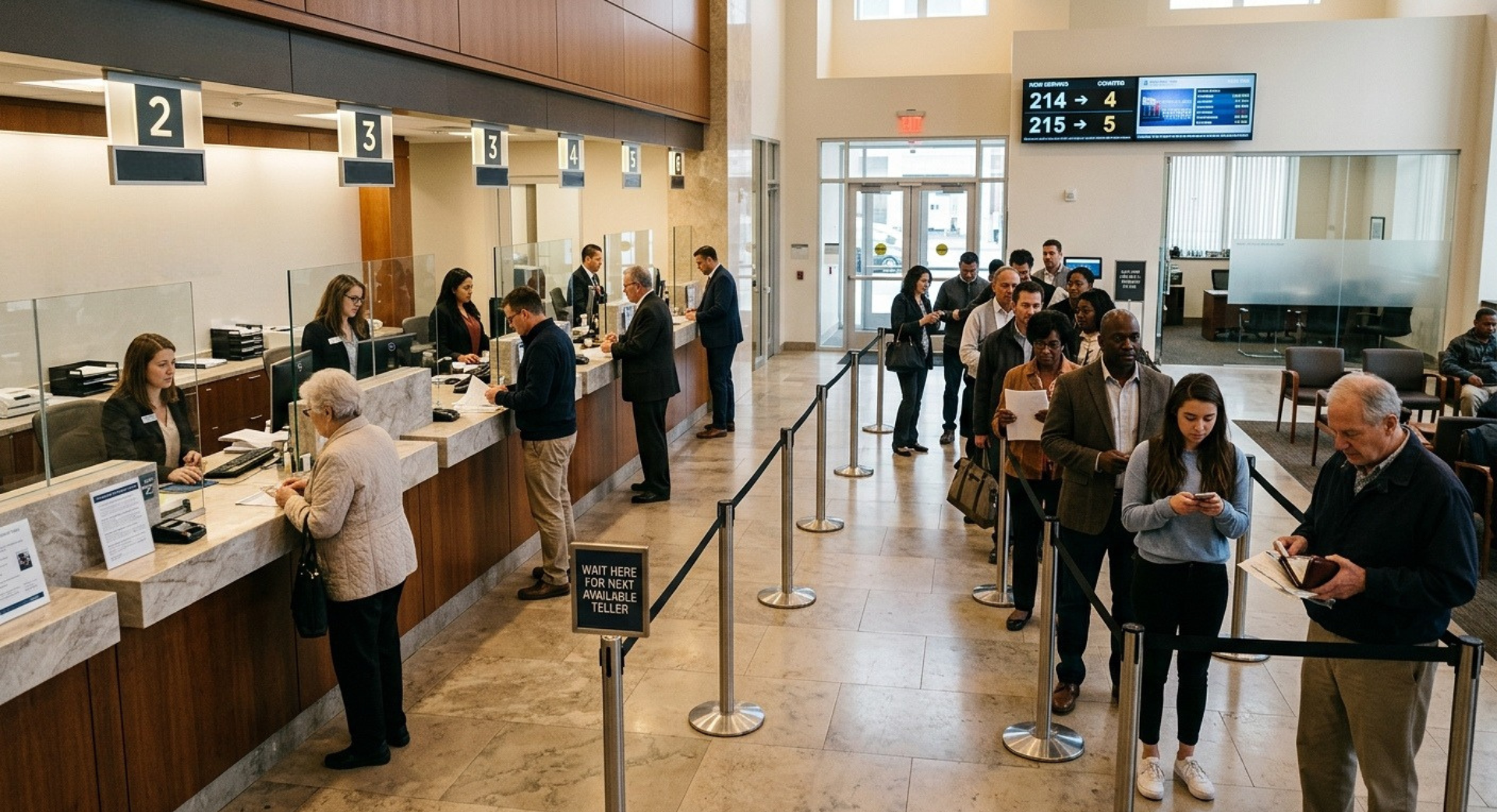
Open a Window Before the Waiting Zone Reaches the Point of Frustration.
Real-time lobby and self-service counts give branch managers a live read on wait pressure. A count-based event when the waiting zone exceeds its threshold means the decision to open another window is data-driven — not reactive.
- Live occupancy in lobby and self-service zones
- Threshold events before frustration sets in
- Continuous count — not just when a limit is crossed
A Live Number Beats a Clicker at the Door Every Time.
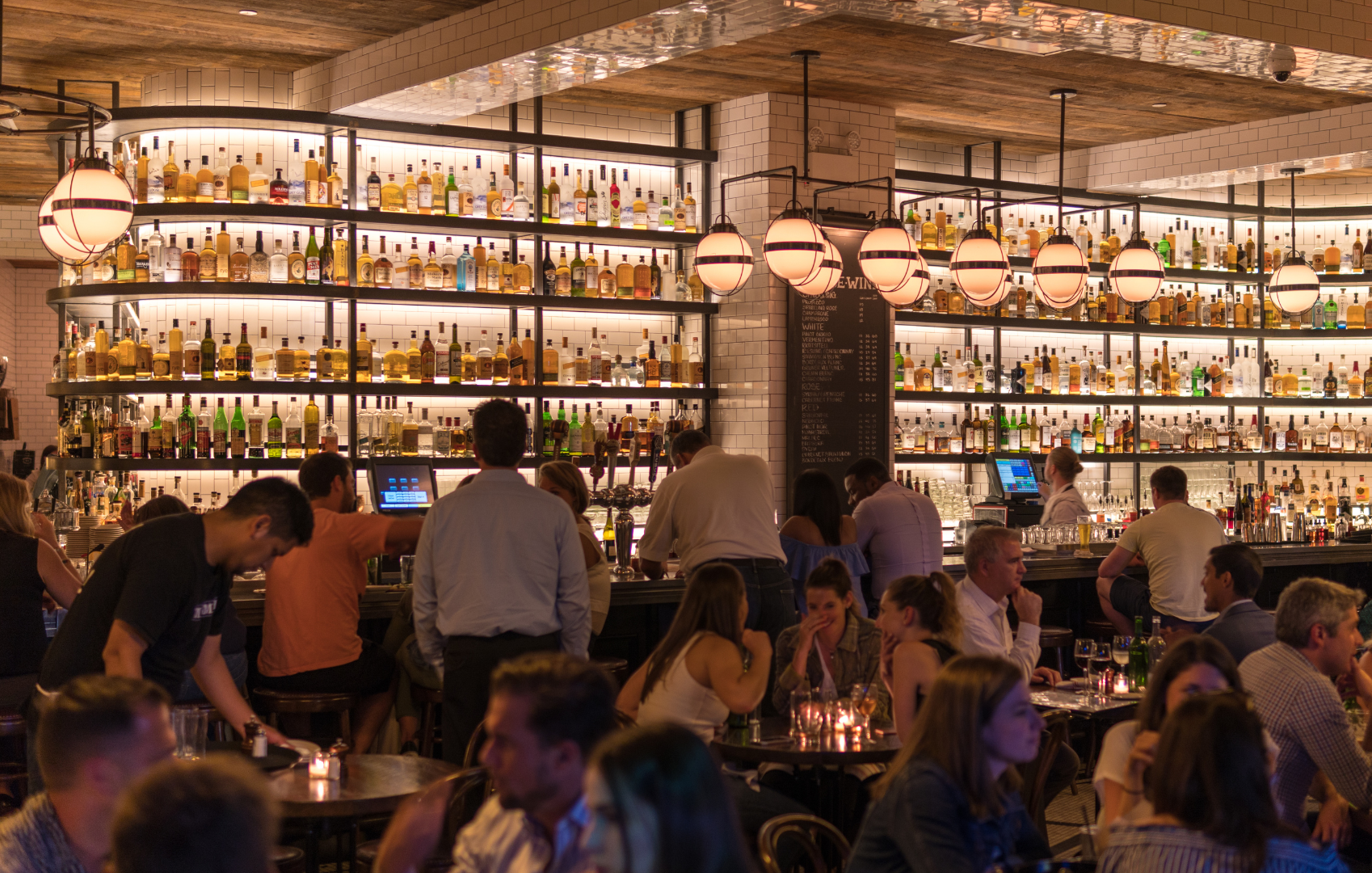
Keep occupancy of a specific room, patio, or mezzanine within its posted limit — continuously, without manual counting. Zone Counting gives you the real-time figure for every defined space, so you enforce capacity without stationing staff at every entrance.
- Per-room, per-patio, per-mezzanine live headcount
- Automatic capacity limit events — no manual clicker needed
- Covers multi-zone venues from a single platform

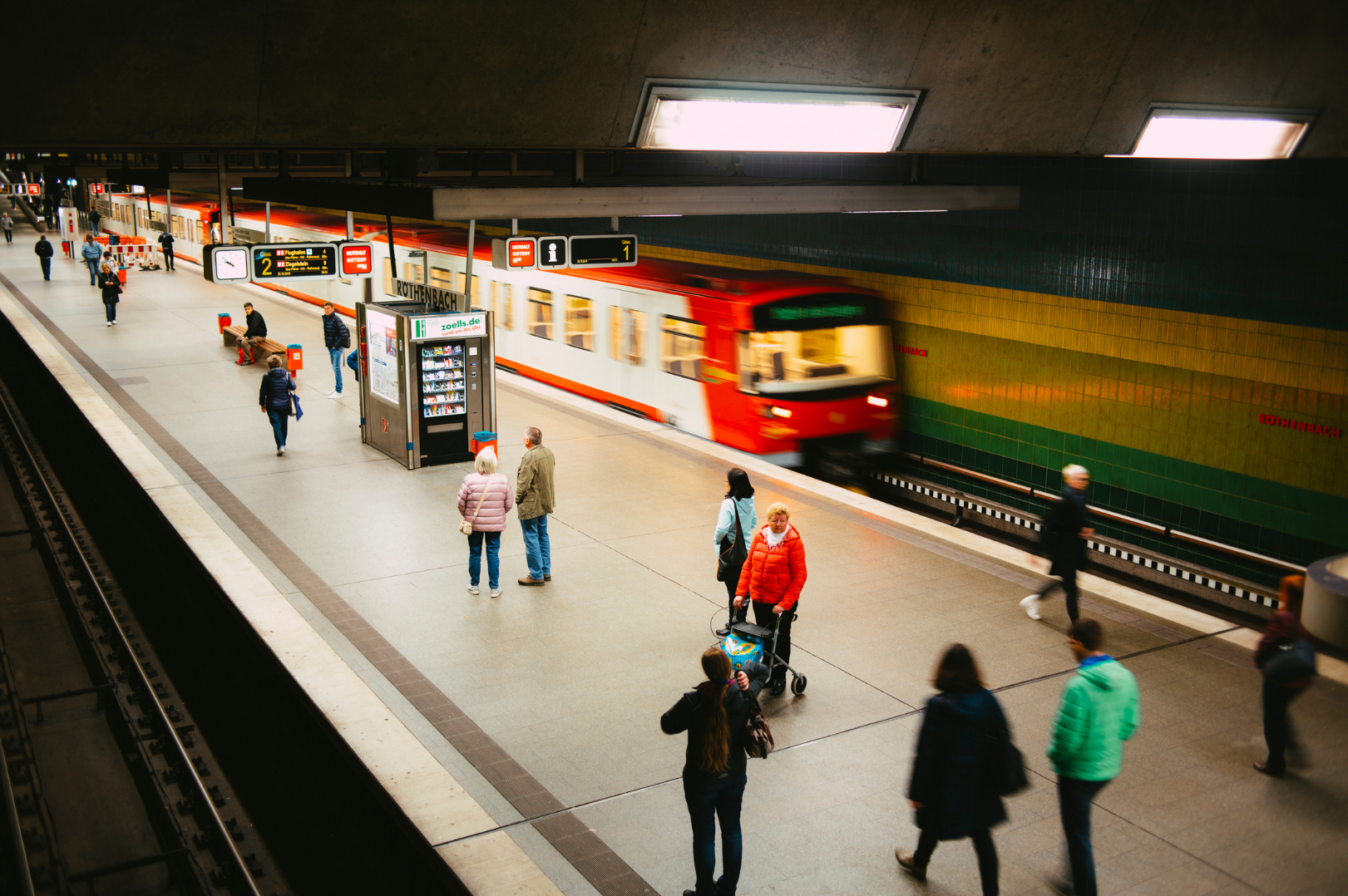
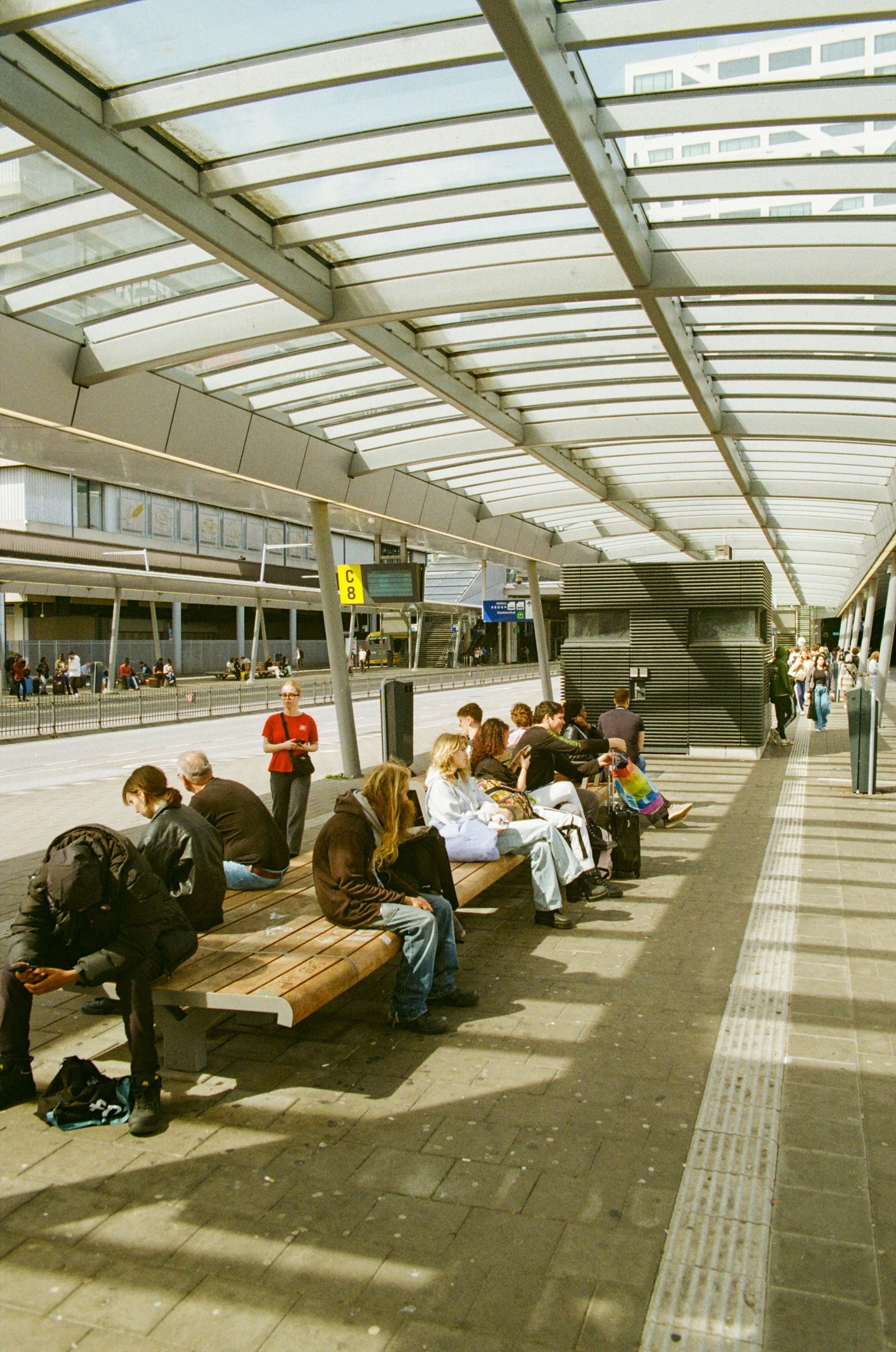
Watch Platforms Before the Count Reaches the Level Where Boarding Slows.
Real-time zone counts on platforms and in waiting rooms give operators the data to act before density becomes a boarding problem or a safety concern. Events fire as a zone approaches the threshold — not after it's already too crowded.
- Continuous platform and waiting-room headcounts
- Events as zones approach safety or boarding thresholds
- Covers stations, terminals, and multi-platform environments
A Presence Event in a Restricted Room After Hours Is a Security Signal, Not Just a Statistic.
Any person detected in a stockroom, cash office, or server room during restricted hours triggers an immediate event. The same zone tool that manages daytime occupancy becomes an access-control check the moment it counts one person who shouldn't be there.
- Presence events for any occupancy in restricted zones
- Works during and outside operating hours on the same cameras
- Covers cash offices, server rooms, stockrooms, and secure corridors

How It Works
Zone Counting runs on the same Clear Watch cameras that secure your site. During operating hours, continuous zone occupancy feeds capacity, staffing, and service decisions. Overnight, the identical cameras serve Clear Watch's 24/7 live monitoring — and a presence event in a restricted zone after hours can be treated as a security signal, not just a statistic. One platform: intelligence by day, protection by night.
FAQs
-
No. Occupancy is reported continuously, so you always have the live number. Threshold events are an additional layer on top — for capacity limits, restricted-area presence, or minimum-staffing rules.
-
Yes. The zone is drawn within the camera view, so you count exactly the area that matters — a waiting area, a counter zone, a doorway apron — and ignore the rest of the scene.
-
Zone Counting measures how many people are visibly inside a defined area of a camera view right now. Occupancy Counting tallies entries and exits at doors to maintain a whole-building figure. Use zones for areas, entry/exit math for buildings — many sites run both.
Define the Zone. Set the Threshold. We’ll Keep Count.
GET STARTED
Whether you're enforcing a capacity limit, catching an unstaffed counter, or flagging presence in a restricted room — Zone Counting handles it with the cameras already on your ceiling. Tell us where you need a number, and we'll show you what it looks like in your space.