

Multi-Zone Counting
Real-time occupancy across several zones at once.
Real spaces aren't rectangles. Multi-Zone Counting tracks occupancy across several zones at once and governs the combined total with a single rule — one capacity limit for one real space.
Multi-Zone Counting sets up multiple zones and determines real-time occupancy across all of them. Each zone is configured independently within the camera view — a seating cluster here, a standing area there, the space around a pillar or fixture — and the totals are reported continuously, both per zone and combined.
The defining feature is that events can be set on the number of people across the entire set of zones. A space that is physically split — by shelving, columns, walkways, or simply an irregular floor plan — is still one room with one legal capacity, and Multi-Zone Counting governs it that way: one rule on the combined count, instead of juggling separate limits that never quite add up.
What It Does
Who Uses It
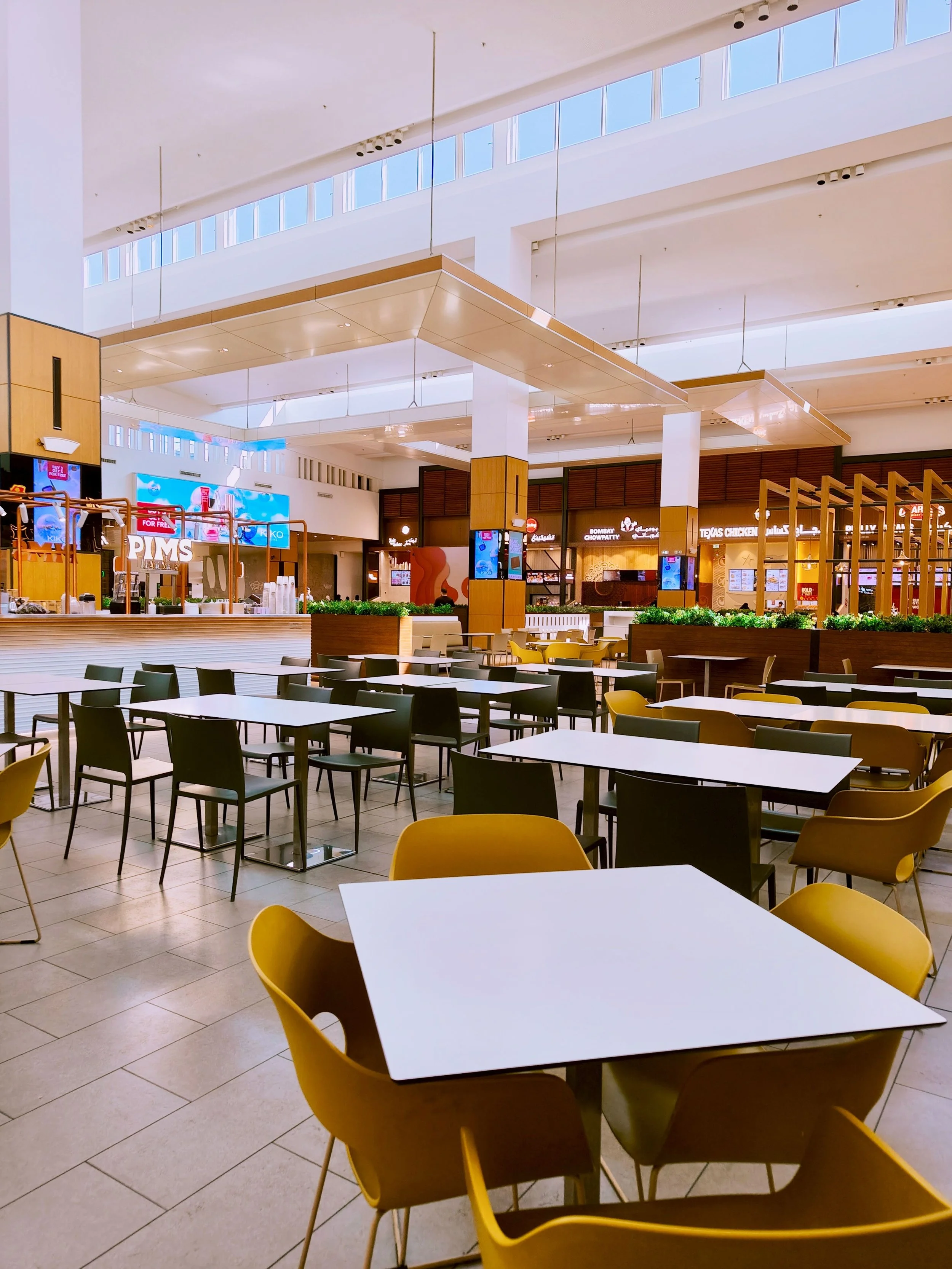
Six Clusters That Look Fine Individually Can Still Add Up to a Full House.
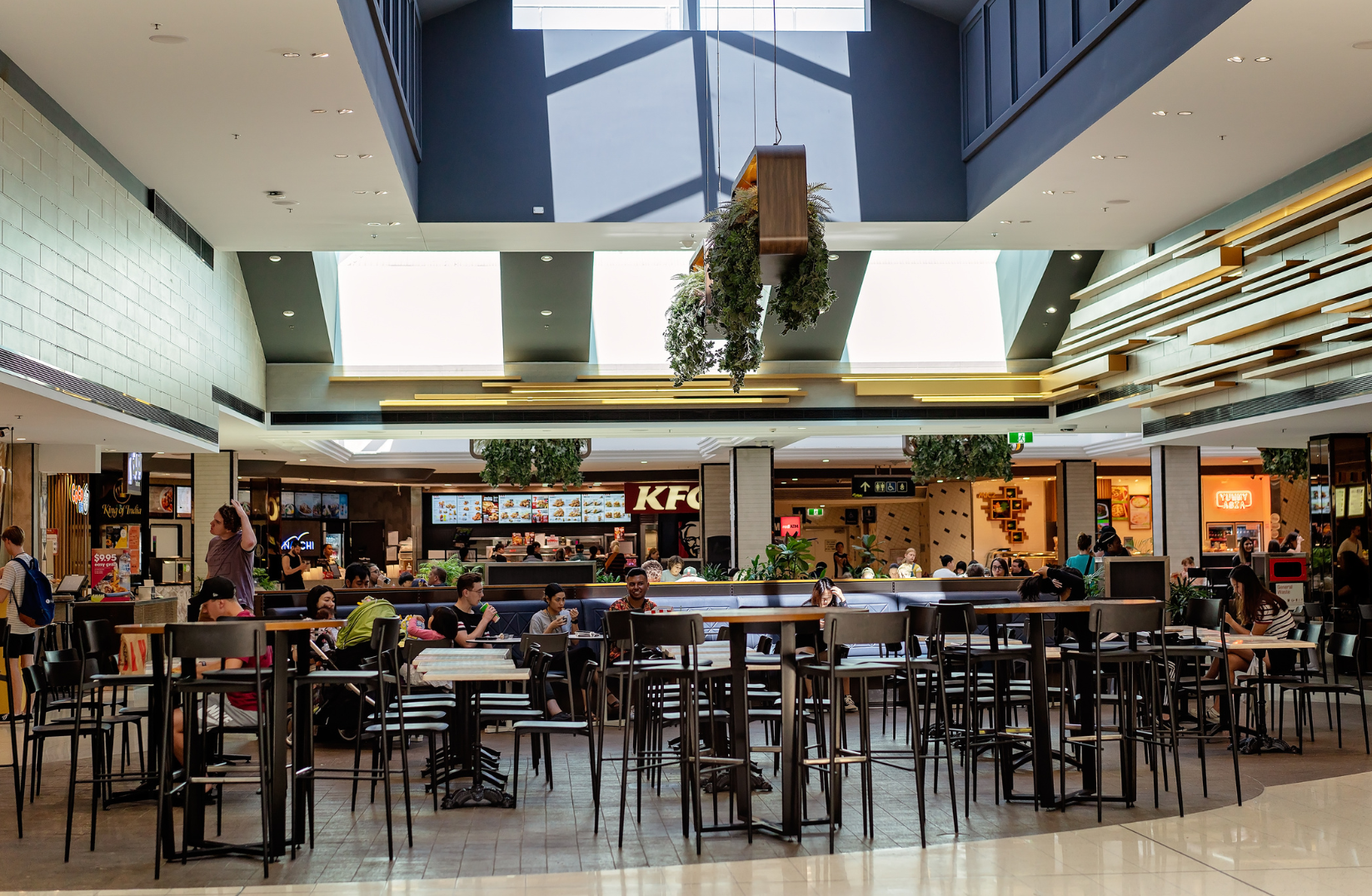
Six seating clusters separated by walkways are still one dining area with one capacity. A combined-count event tells operations when the whole space is full — even if no single cluster looks crowded on its own.
- Aggregate count across all seating clusters in real time
- Capacity event fires on the combined total, not per-cluster
- Catches full-house conditions that per-zone counts miss

An Atrium That Wraps Around Escalators Is Still One Space With One Limit.
Zones cover the actual standing areas around escalators and kiosks, and the aggregate count governs the event space's overall limit — so irregularly shaped common areas get accurate occupancy tracking regardless of their footprint.
- Zones mapped to actual usable floor area, not the full camera view
- Combined count governs the capacity event for the whole common area
- Works across irregular layouts with obstructions and split sightlines

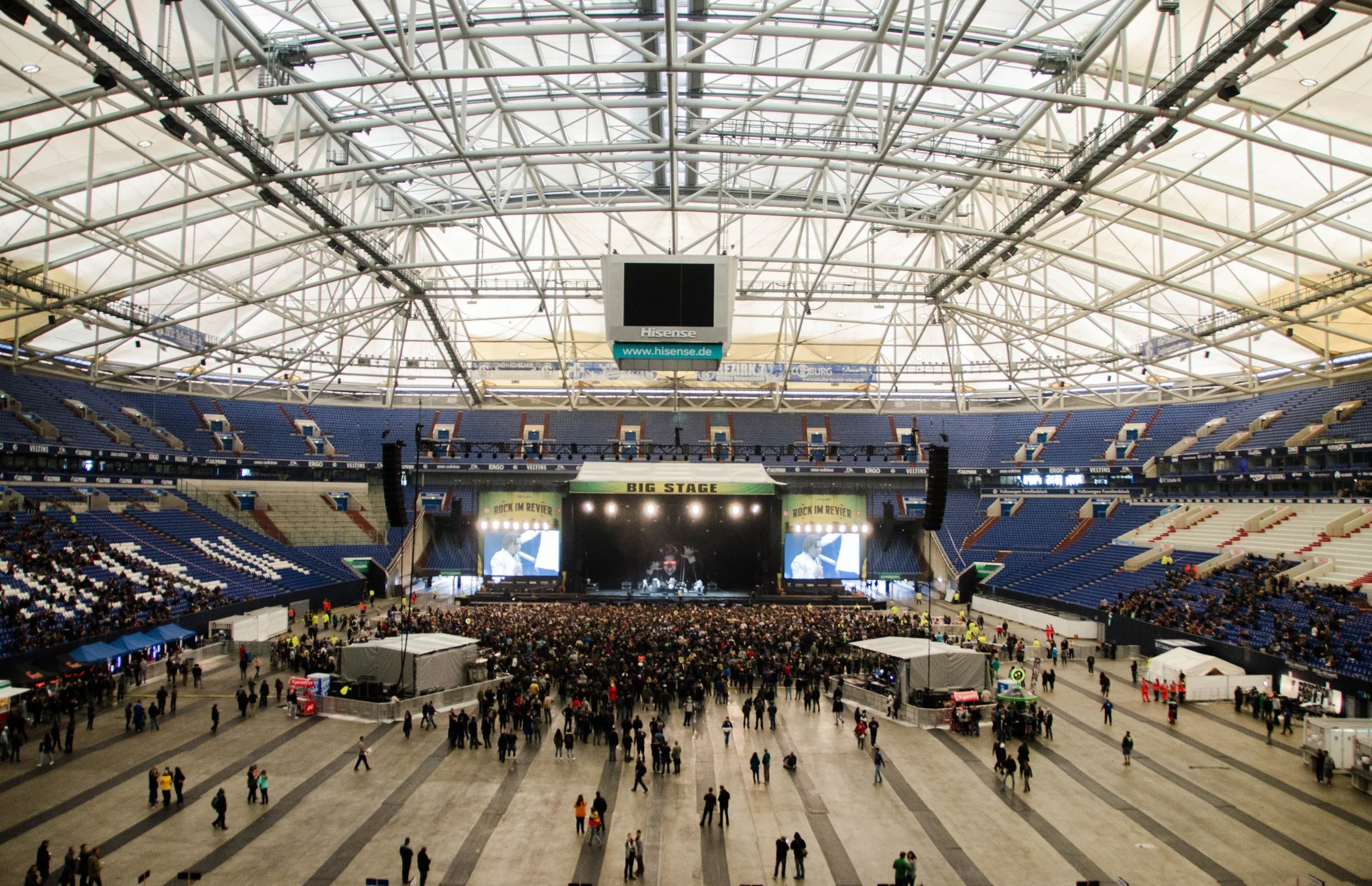
A Licensed Capacity Applies to the Whole Floor, Not Just the Section You Can See.
A general-admission floor split by the mixing desk and rails is one licensed capacity. Multi-zone totals keep the count honest across every section at once — so the number reported matches the number that matters to the fire marshal.
- Single aggregate count across all GA sections simultaneously
- Capacity event tied to the licensed total, not per-section limits
- Covers floors split by rails, barriers, mixing desks, or columns
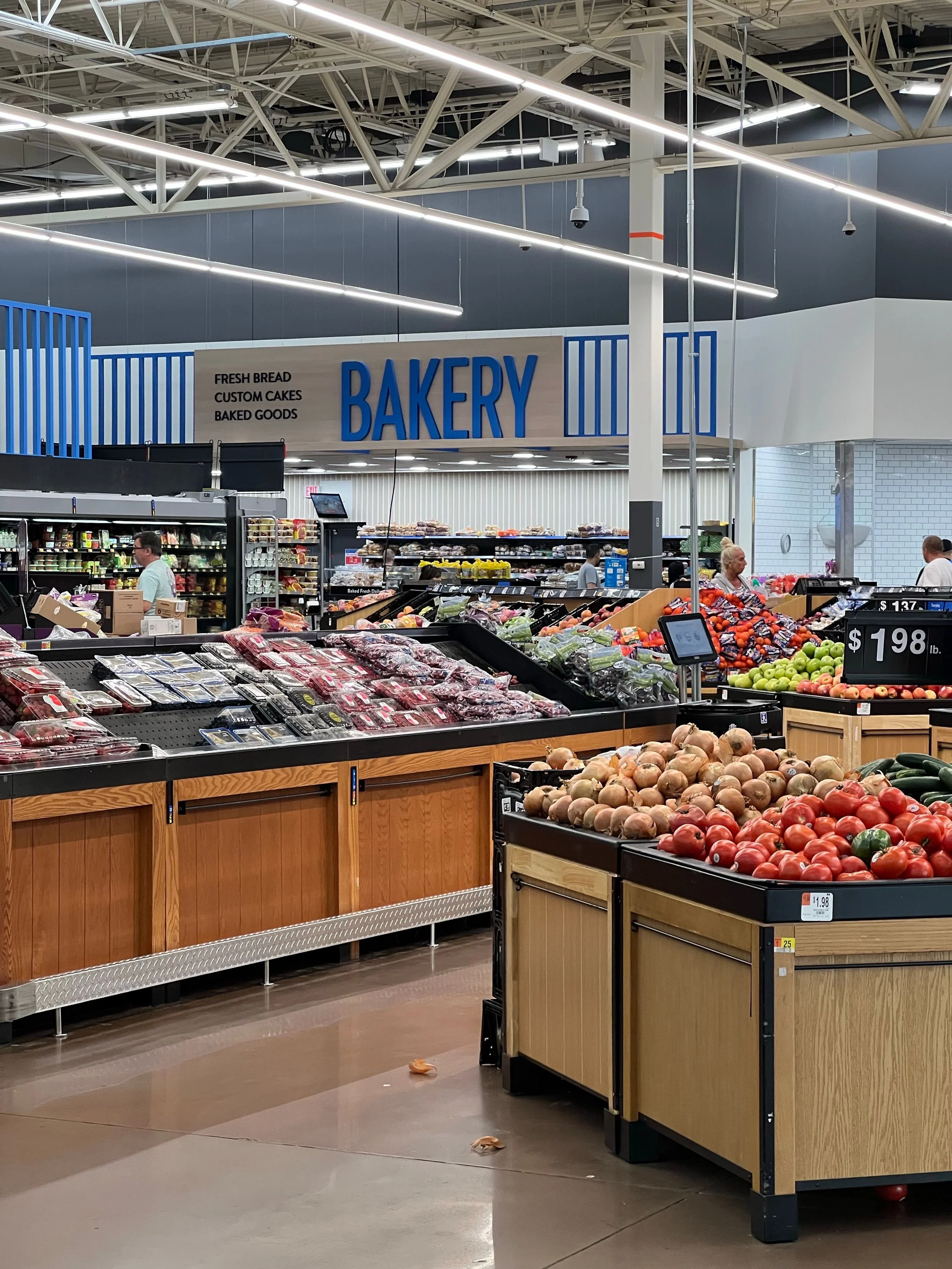
The Fresh Department Is Busy. One Counter Being Quiet Doesn't Change That.
Combined occupancy across the deli, bakery, and prepared-foods counters triggers extra service staff when the whole fresh department heats up — not just when a single counter hits its individual threshold.
- Aggregate count across deli, bakery, and prepared-foods zones
- Staffing event based on combined department load
- Catches demand spikes that per-counter counts distribute away
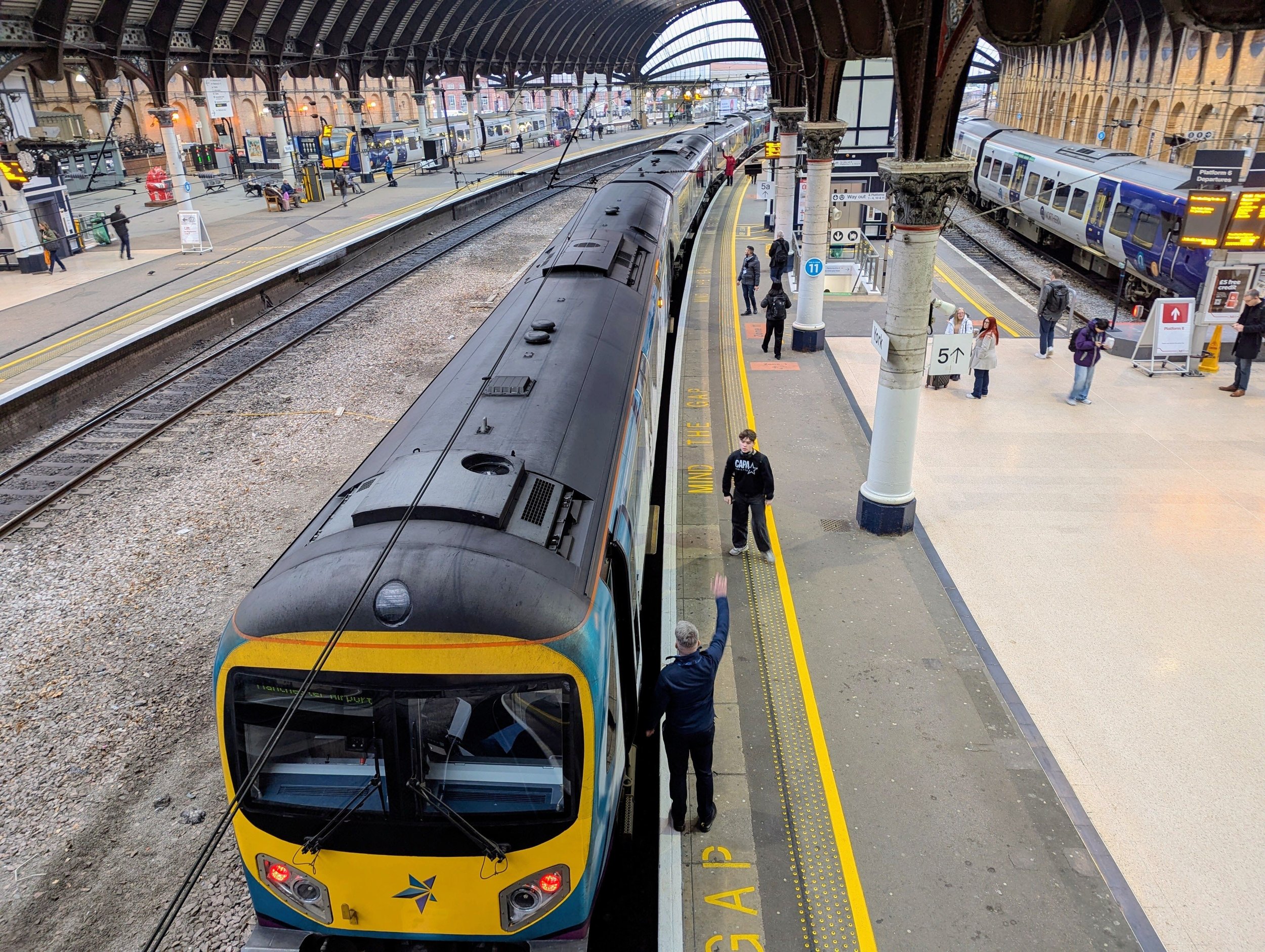
Separated by Gates and Columns, It's Still One Concourse With One Threshold.
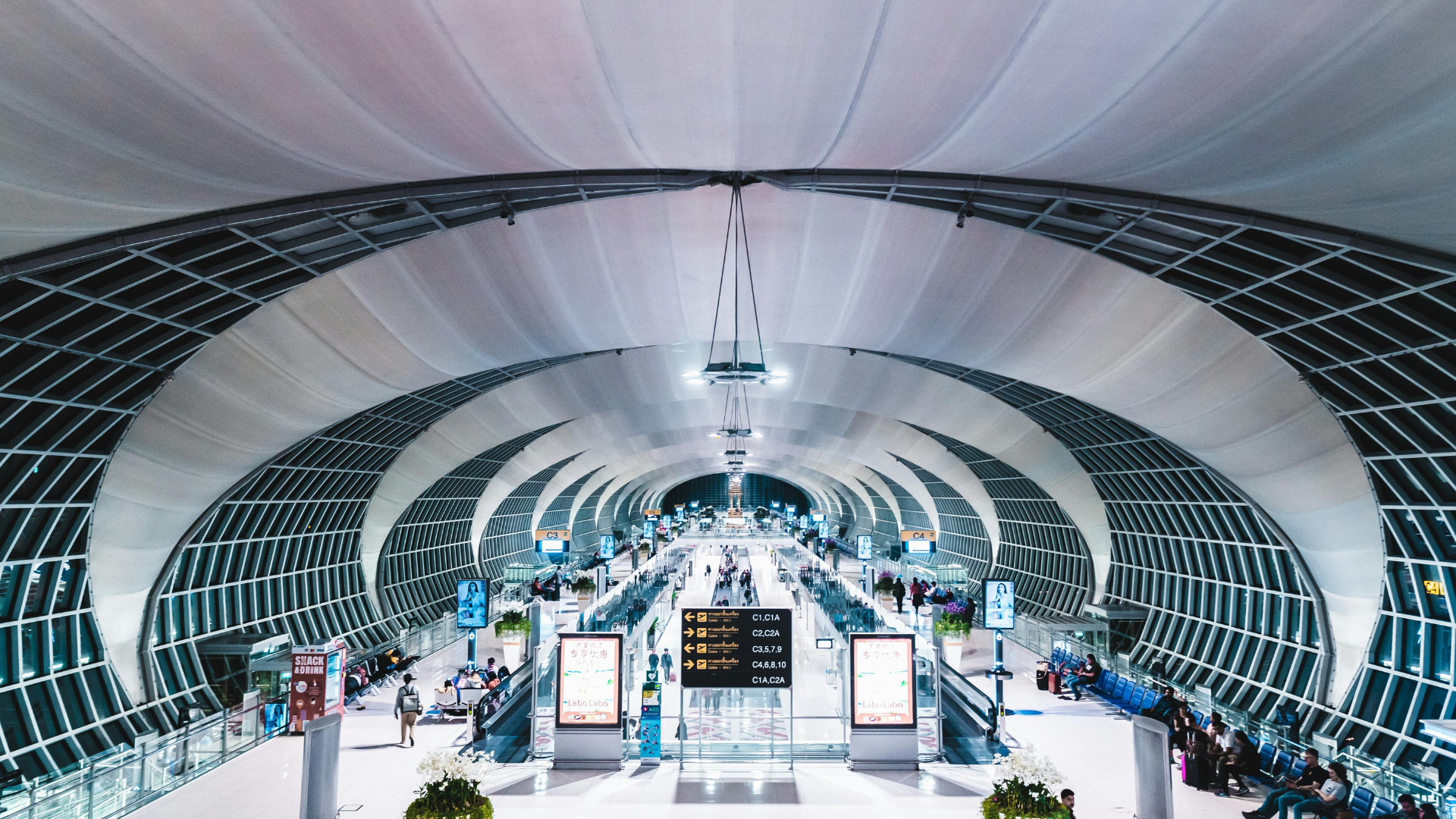
Waiting areas divided by ticket gates and structural columns function as one concourse. A single threshold on the combined count flags when the space as a whole is filling — before any one section looks obviously overcrowded.
- Combined count across waiting areas divided by gates or columns
- Concourse-level threshold event from a single rule
- Flags rising density before any one section reaches critical mass
How It Works
Multi-Zone Counting runs on the same Clear Watch cameras that protect your property. During the day, continuous per-zone and combined counts drive capacity and staffing decisions across split spaces. After hours, the identical cameras feed Clear Watch's 24/7 live security monitoring. One camera platform: business intelligence during the day, security at night.
FAQs
-
Zone Counting governs a single zone with its own threshold. Multi-Zone Counting configures several zones independently and lets you set events on the combined total — so a physically split space is managed as one capacity, which single-zone rules can't express.
-
Yes. Each zone is configured independently and occupancy is reported continuously, so you get per-zone detail and the aggregate figure — useful for knowing not just that the space is full, but where.
-
Because real spaces have obstructions and dead areas — walkways, fixtures, columns — that a single rectangle would miscount. Multiple precise zones cover only the occupiable areas, and the combined event keeps the governance simple.
One Space, Many Zones — Eyes On Every Corner
GET STARTED
Whether your space is split by columns, shelving, or a floor plan that never quite made sense — Multi-Zone Counting governs it as a single capacity. Show us the space and we'll show you how the zones would map.