
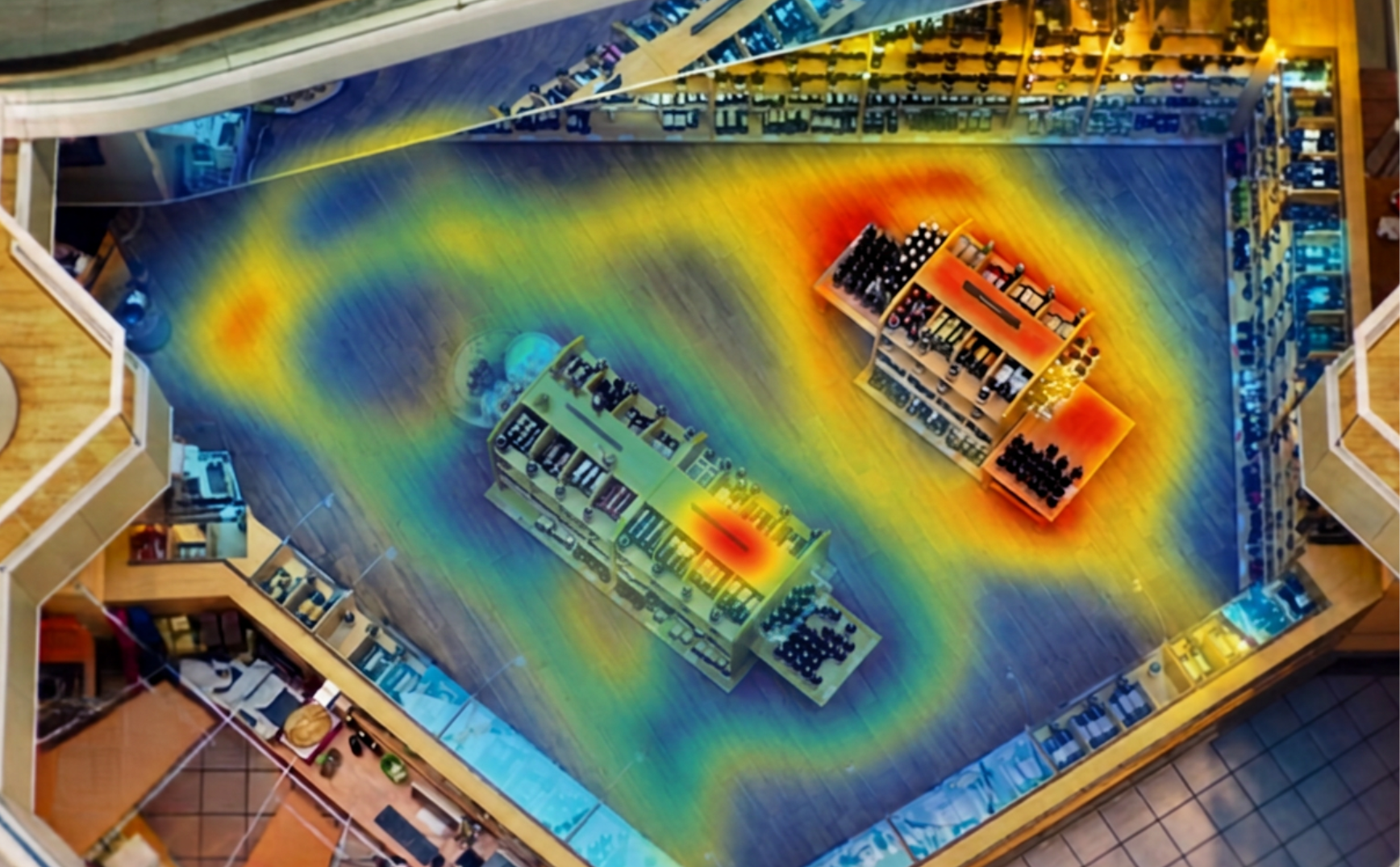
Heatmap Analytics
See which parts of your floor earn their square footage — and which ones don't.
Your cameras already see every customer who walks your floor. Heatmap Analytics turns that footage into a picture of how your space actually performs.
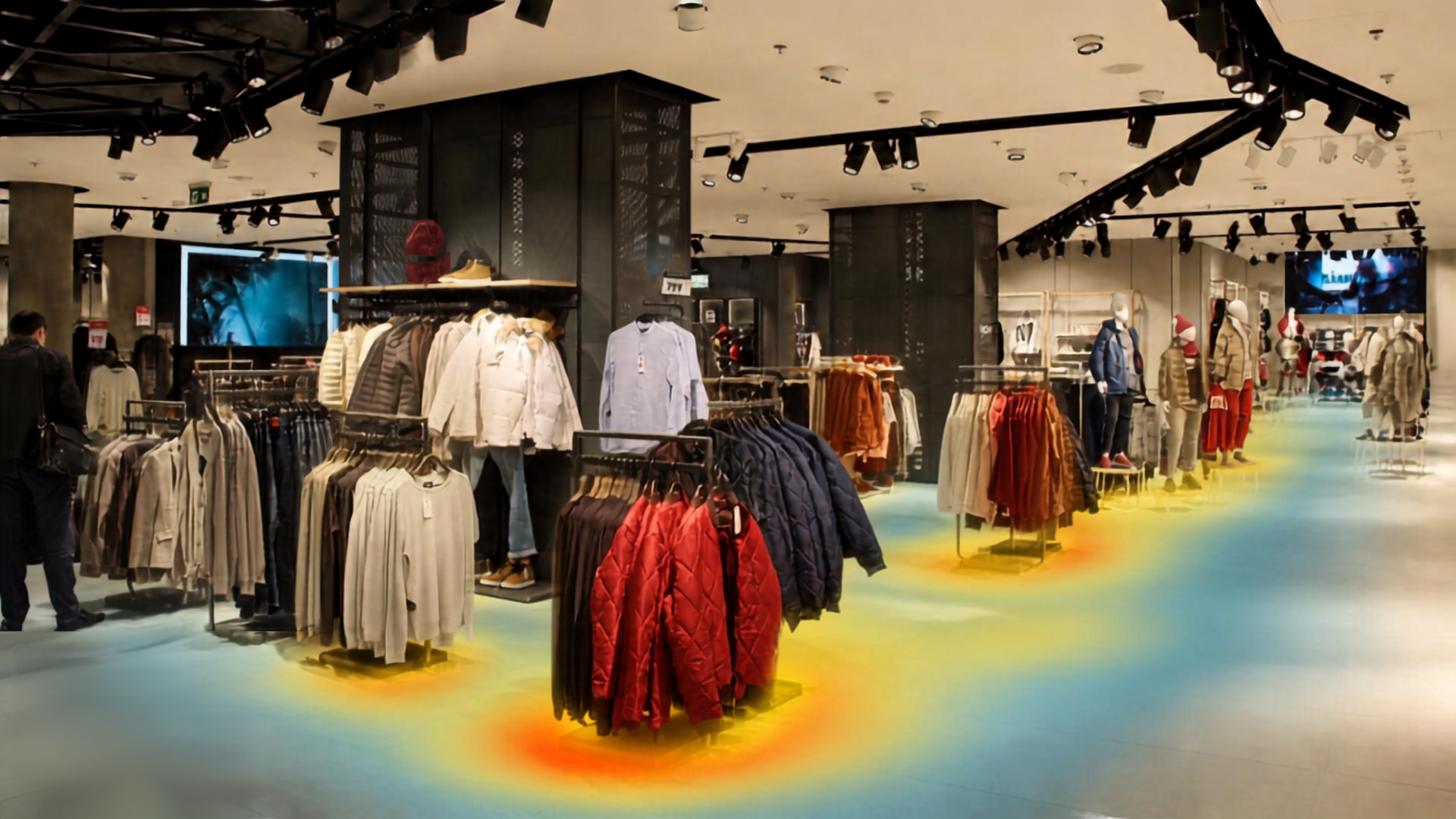
Heatmap Analytics accumulates people-detection data over time — days, weeks, or a season — and renders it as a visual heat map of your floor: red where traffic concentrates, cool where it doesn't. Because data builds over a configurable measurement period rather than a single snapshot, you see genuine patterns, not anecdotes.
You define the areas to measure — a department, an end-cap, a lobby, a platform — and the map shows exactly which parts of your facility earn their square footage and which are dead zones.
What It Does
Who Uses It
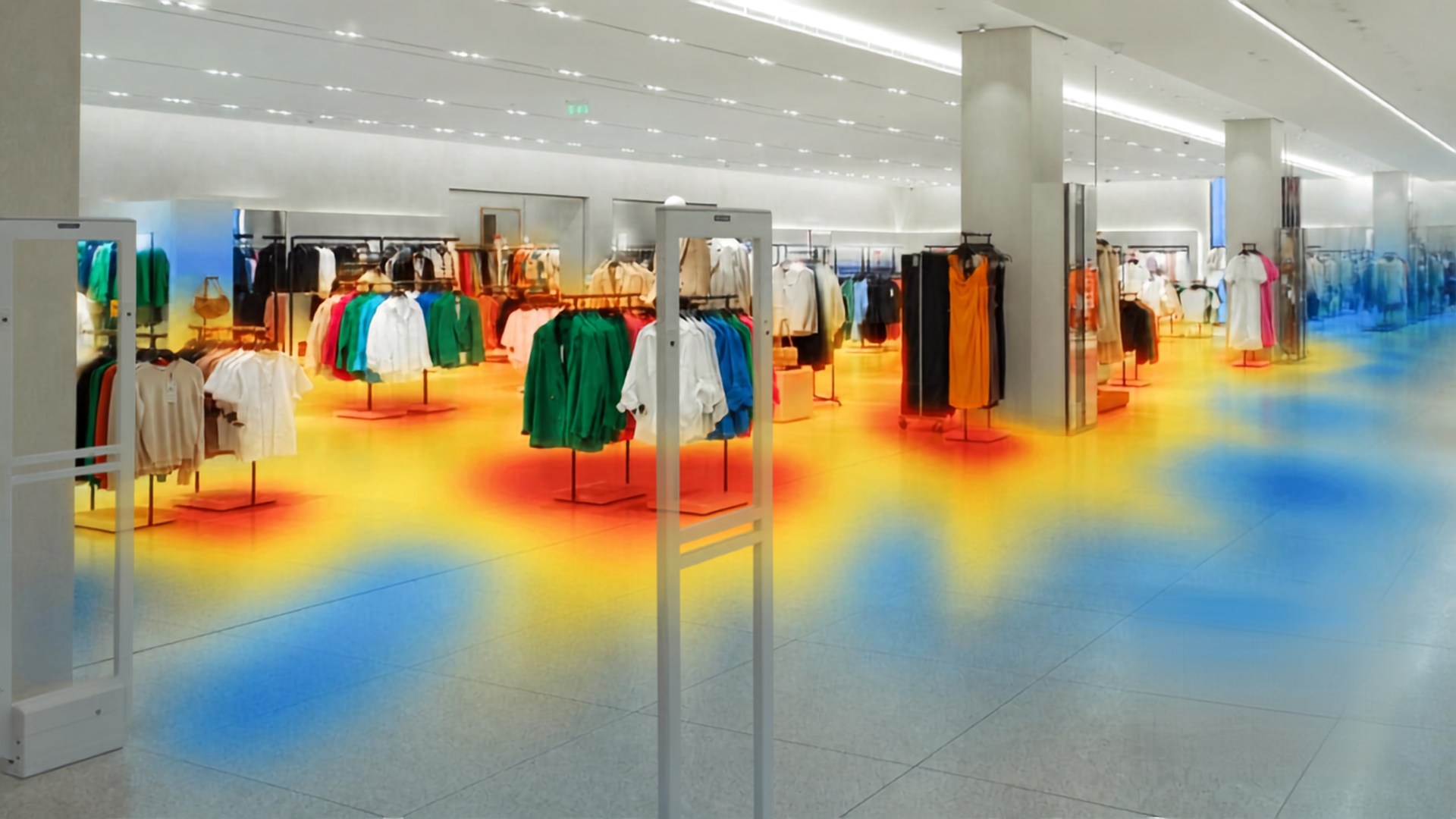
If a Promotion Sits in a Cold Zone, You'll See It.
Validate planograms and end-cap placement with evidence instead of instinct. The heat map shows exactly which parts of your floor earn their square footage — and the lift when you move something that doesn't.
- Validate end-cap and display placement with traffic data
- Identify cold zones before a promotion lands in one
- Measure the lift when you reposition a display or reset a department

Price Tenant Spaces and Justify Rates With Real Traffic Data.
Measure corridor flow and common-area usage to position kiosks, price tenant spaces, and settle rate conversations with data instead of estimates.
- Corridor flow and common-area usage measured continuously
- Data to support tenant pricing and kiosk placement decisions
- Justify rates to prospective tenants with evidence, not estimates

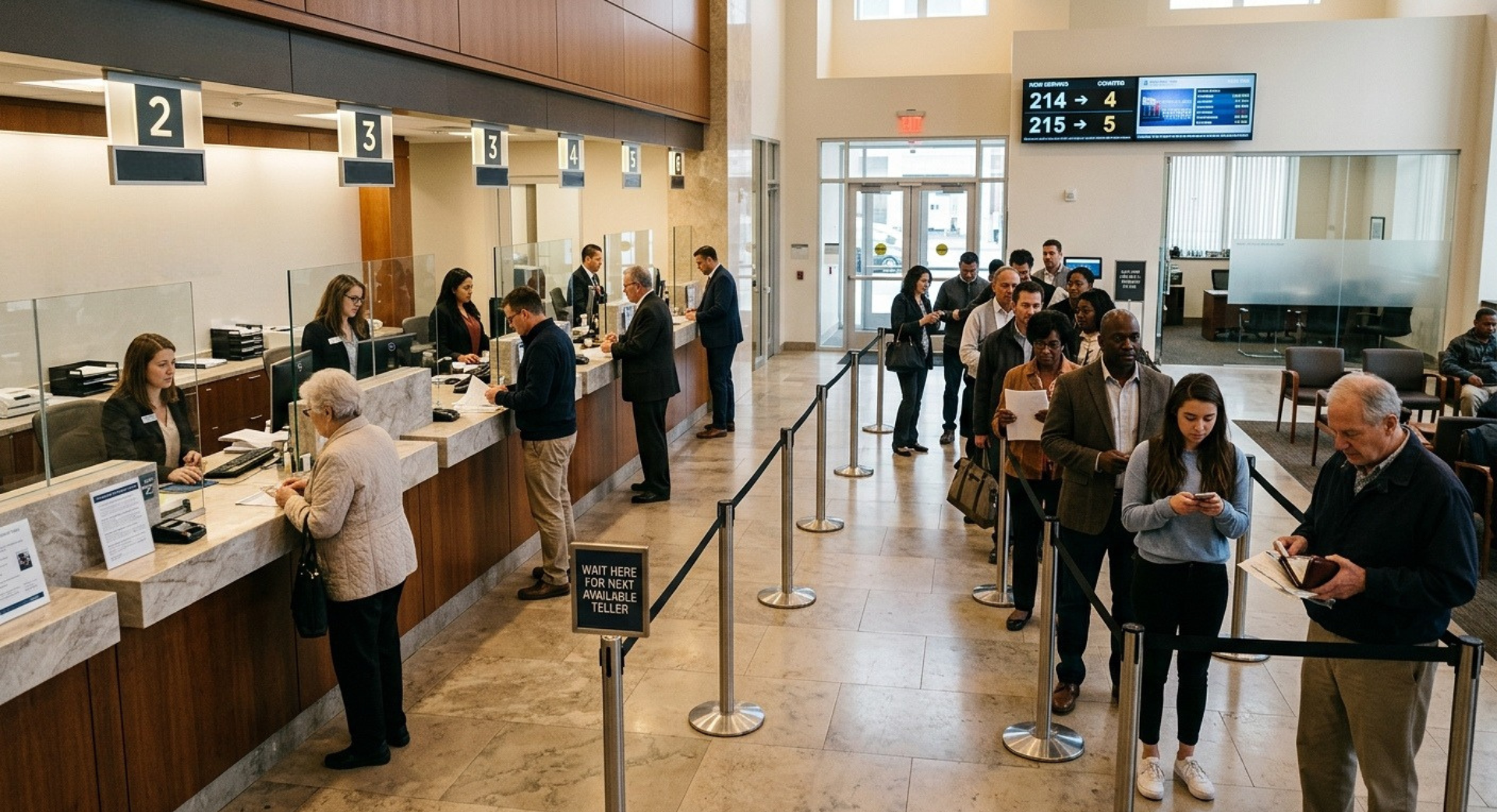
See Where Queues Build and Where Menu-Board Dwell Actually Happens.
Understand queue buildup zones and menu-board dwell patterns to redesign your layout for throughput — and stop losing customers to lines they can see before they join.
- Identifies queue buildup zones at peak hours
- Measures menu-board dwell to inform placement and design
- Layout data to redesign for faster throughput

Compare Identical Layouts Across Locations and Standardize on What Works.
When every branch runs the same layout, traffic data reveals which version of "identical" actually performs — and gives you the evidence to standardize on it across the network.
- Compare traffic patterns across branches with the same layout
- Identify which floor configurations drive more engagement
- Standardize on measurable performance across the network
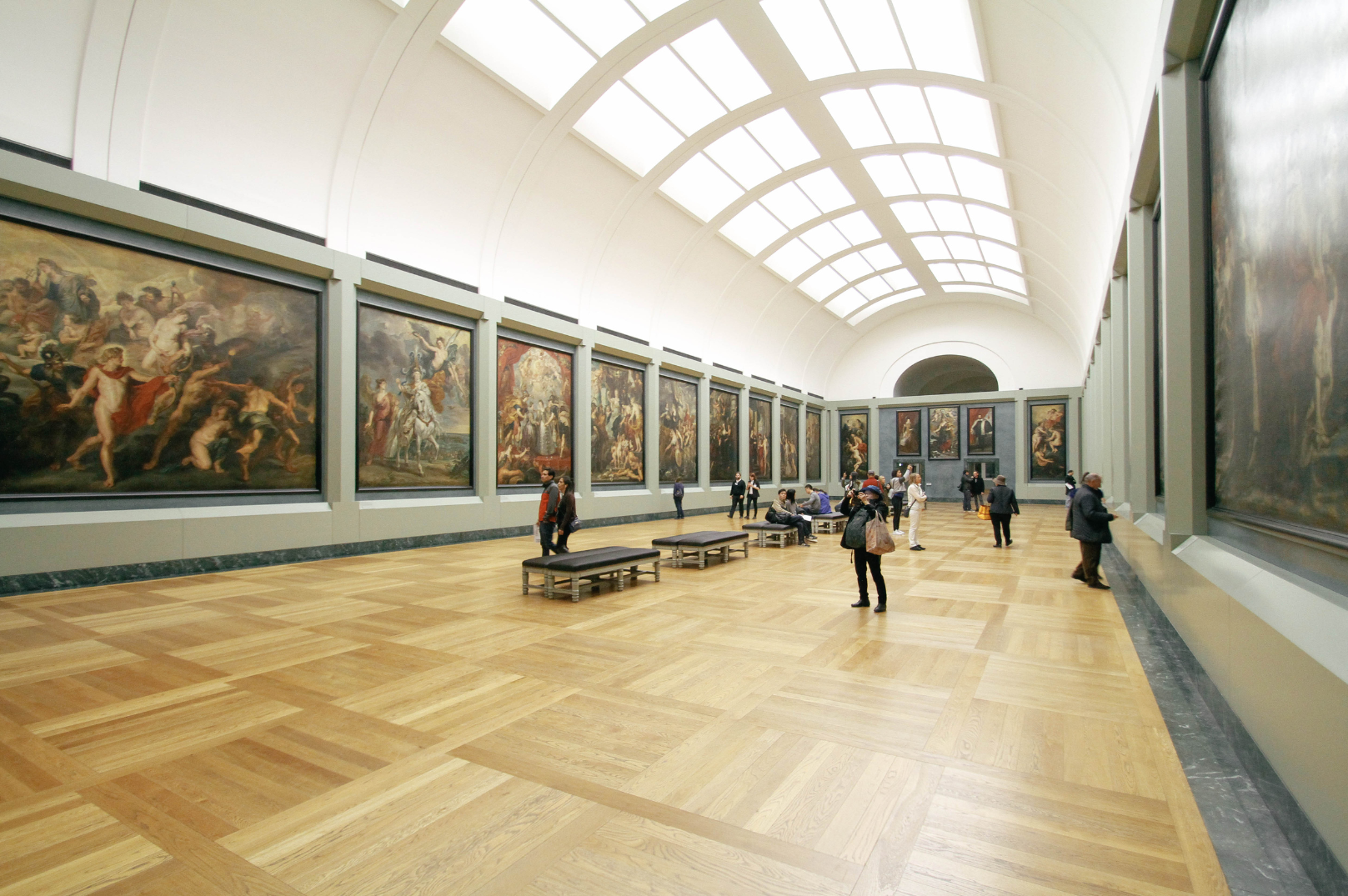
Redirect Budgets to Where People Actually Go — Not Where You Assumed They Would.
See which platforms, exhibits, or study areas get used and which sit empty. Cleaning, staffing, and capital investment decisions follow the traffic — not the original plan.
- Usage data for platforms, exhibits, and study areas
- Cleaning and staffing schedules driven by actual traffic patterns
- Capital investment directed where usage justifies it
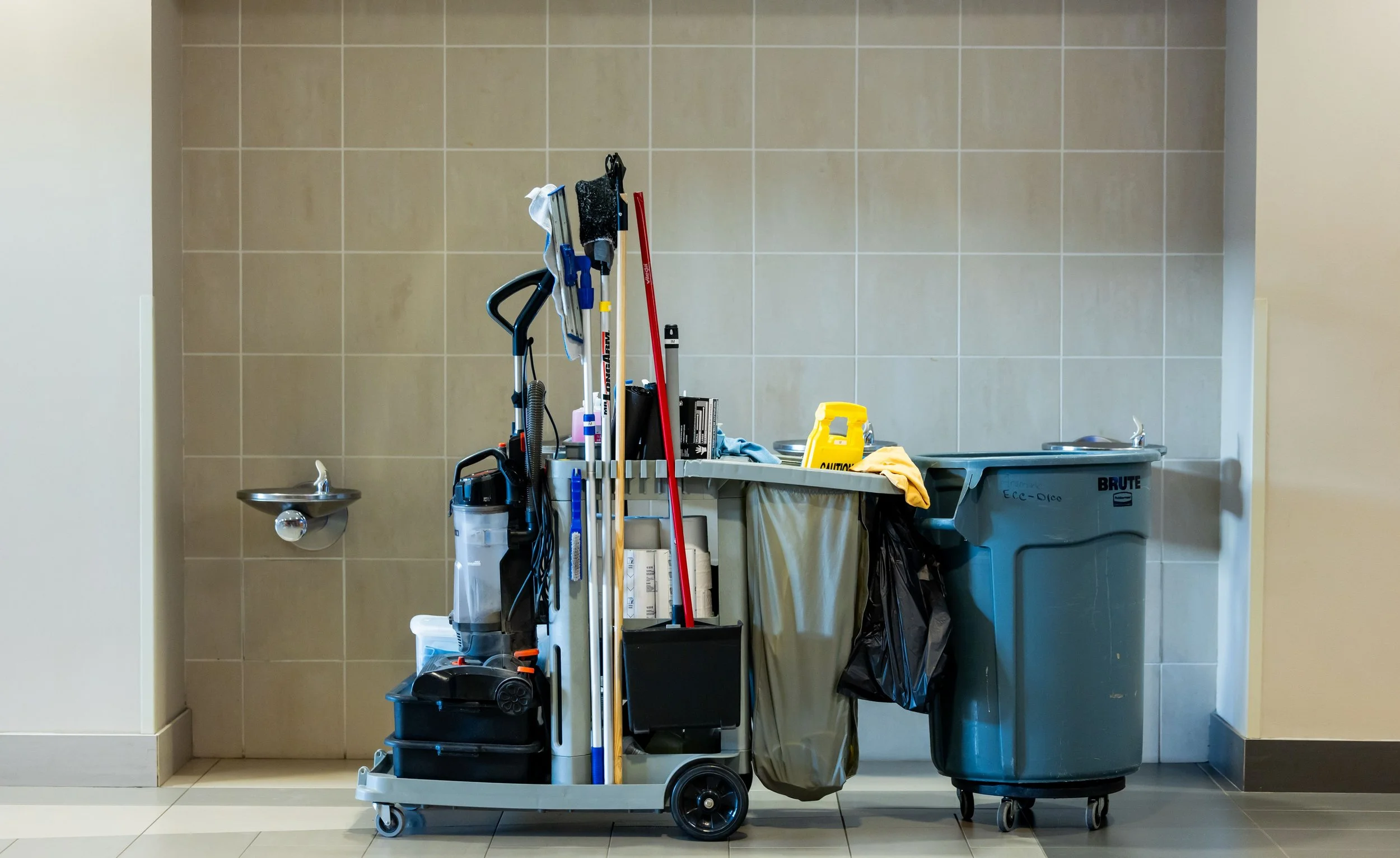
Schedule Cleaning and Maintenance Where the Traffic Actually Is.
Calendar-based cleaning schedules don't know that the north corridor gets three times the foot traffic on Thursdays. Heatmap data does — and your maintenance schedule can too.
- Traffic data by zone and time period for maintenance planning
- Cleaning resources directed to high-use areas, not fixed schedules
- Runs on existing cameras — no separate sensor network required
How It Works
The same Clear Watch cameras protecting your site after hours work for your business during them. Heatmap data runs on your existing monitored cameras — no separate sensor network, no extra hardware, one platform for security and store intelligence. Pair it with People Counting and Advanced Visitor Analysis for a complete picture:
How
How many came in?

Where
Where did they go?
How
How many came in?
Where
Where did they go?
When
What did they do?


When
What did they do?
FAQs
-
No. Heat maps are aggregate patterns of where people have been detected — they measure spaces, not persons, which keeps the analytics privacy-friendly.
-
A counter tells you how many people entered. A heat map tells you where they spent their time once inside. Together they show conversion of foot traffic into engagement.
-
Yes — the measurement period is configurable, so you can contrast weekday vs. weekend, before vs. after a reset, or season vs. season.

Find Out Where Your Floor Is Working — and Where It Isn't.
GET STARTED
Talk to a Clear Watch specialist about adding Heatmap Analytics to your existing cameras and turning customer movement into a tool for smarter layouts, displays, and staffing.